5-32 Videojet DataFlex 6530 Operator Manual - Rev AA
CLARiTY Operating System
Using the TCP/IP Screen
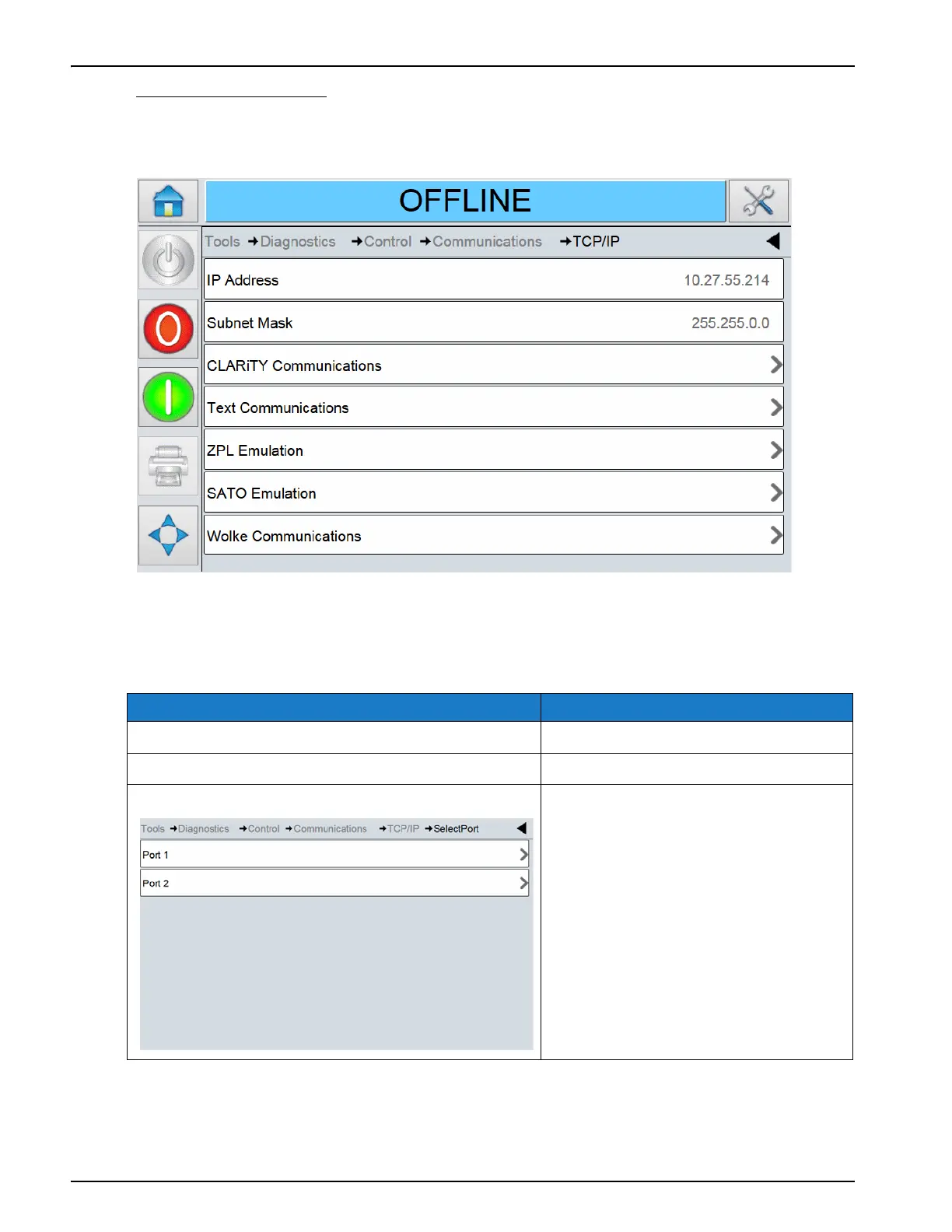
Touch TCP/IP on the Communications screen to access the parameters (Figure 5-29).
The TCP/IP screen displays the following parameters:
Option Description
IP Address The network IP address.
Subnet Mask The network subnet mask address.
CLARiTY Communications The TCP/IP port numbers and
CLARiTY network status.
Table 5-23: TCP/IP Screen Description
Figure 5-28: TCP/IP Screen



 To Next Page