Videojet DataFlex 6530 Operator Manual - Rev AA 6-3
Job Editor
To view more details of the current job, proceed as follows:
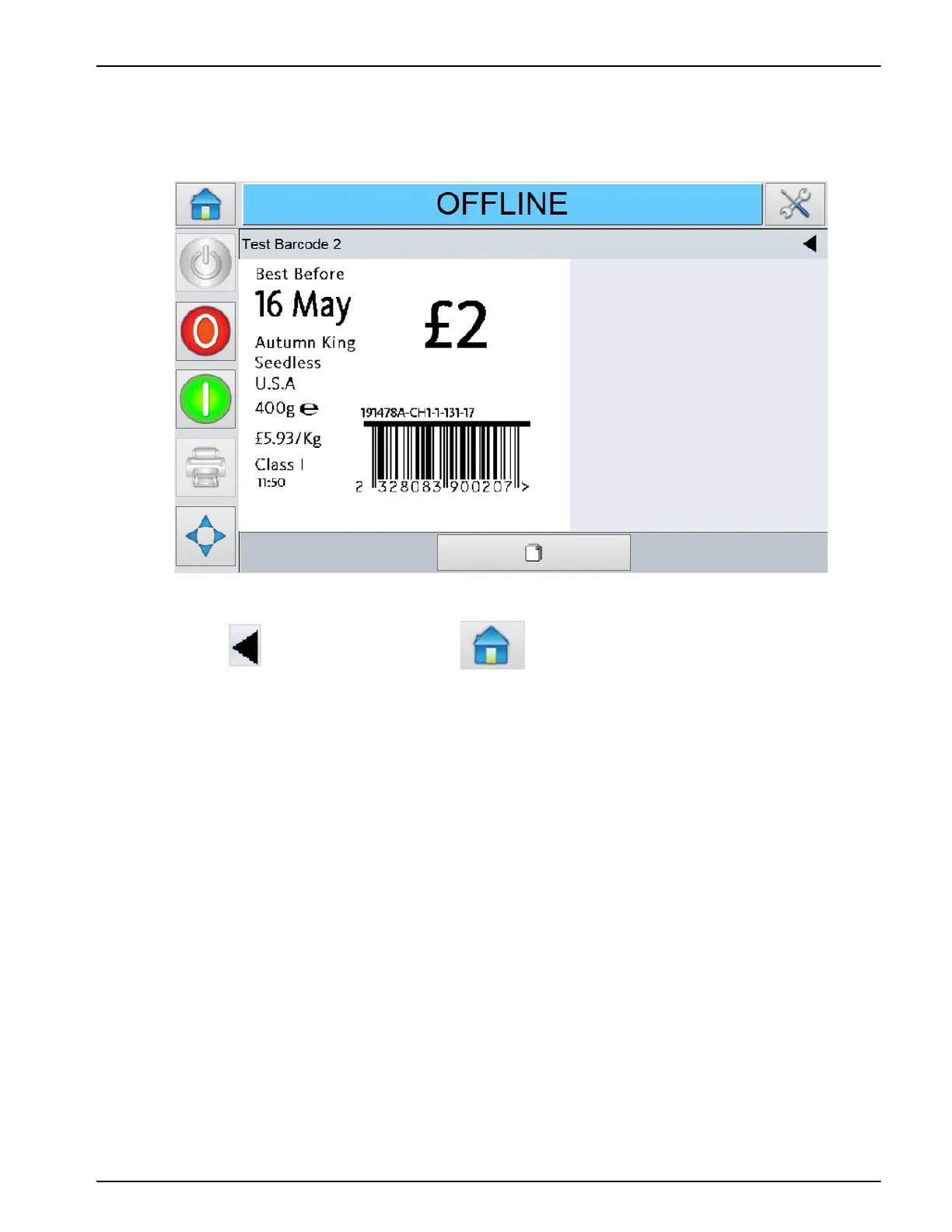
1. Touch the current job area on the Home screen. This will display the details of the job, as
shown in Figure 6-2.
2. Touch on the navigation bar, or to return to the Home screen.
Figure 6-2: Current Job Details Display



 To Next Page