B-20 External Connections
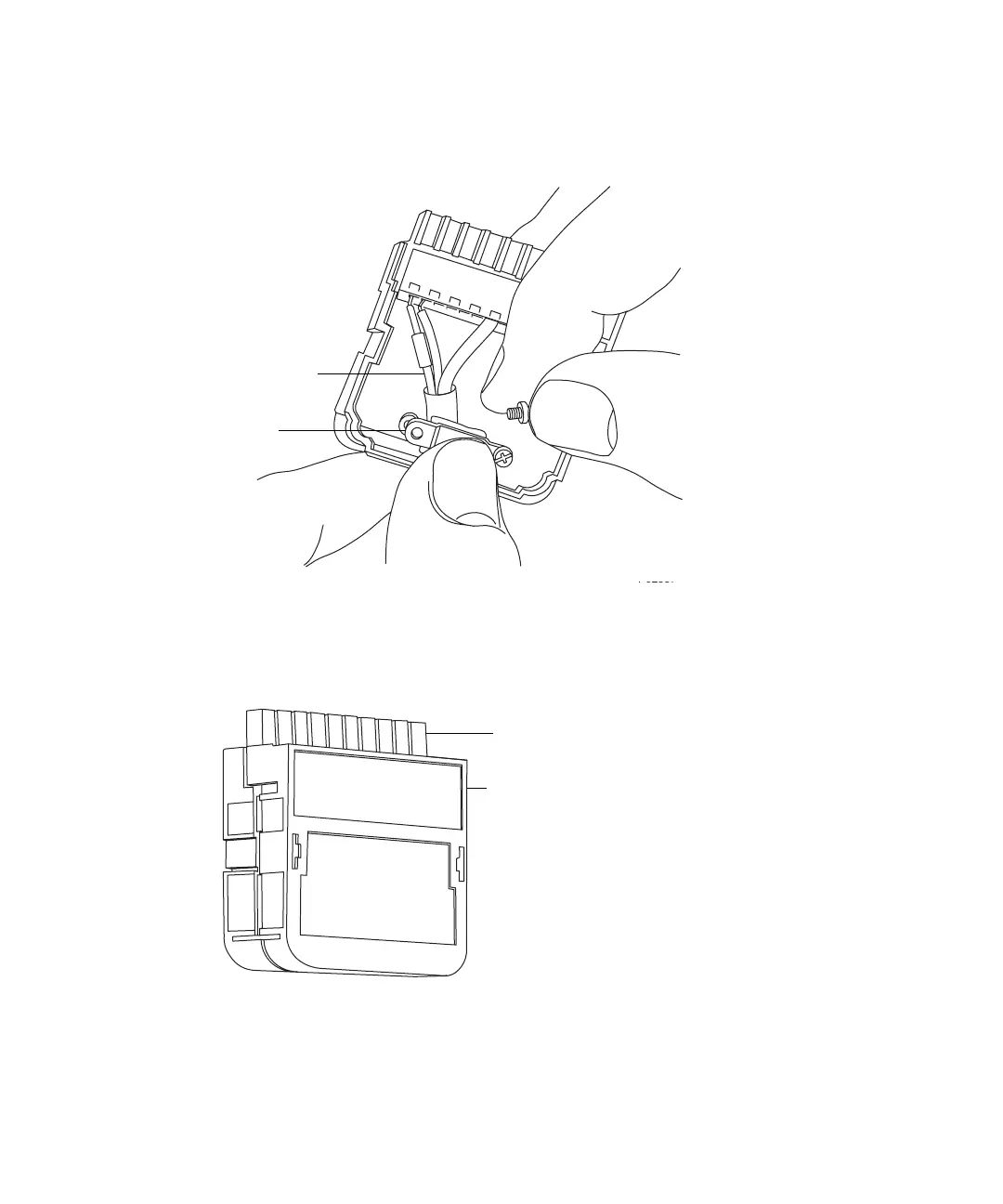
5. Insert the connector with the signal cable into the connection cover,
position the clamp over the cable leads, and insert and finger tighten the
clamp into place with the second self-tapping screw.
6. Use the screwdriver to fully tighten the self-tapping screws.
7. Place the second connector cover over the first cover, and snap it into
place.
TP02587
Cable leads
Clamp
TP02588
Signal connector
Connector cover













 To Next Page