Installing the ESI small bore capillary option 3-9
To install the capillary
1. Remove the existing capillary (see page 5-59).
2. Using the sharp knife or PEEK tubing cutter, cut an approximately
60-cm (24-inches) length of red PEEK tubing.
Requirement: To minimize dead volume, cut the ends of the tubing
squarely (that is, perpendicular to the tube’s horizontal axis).
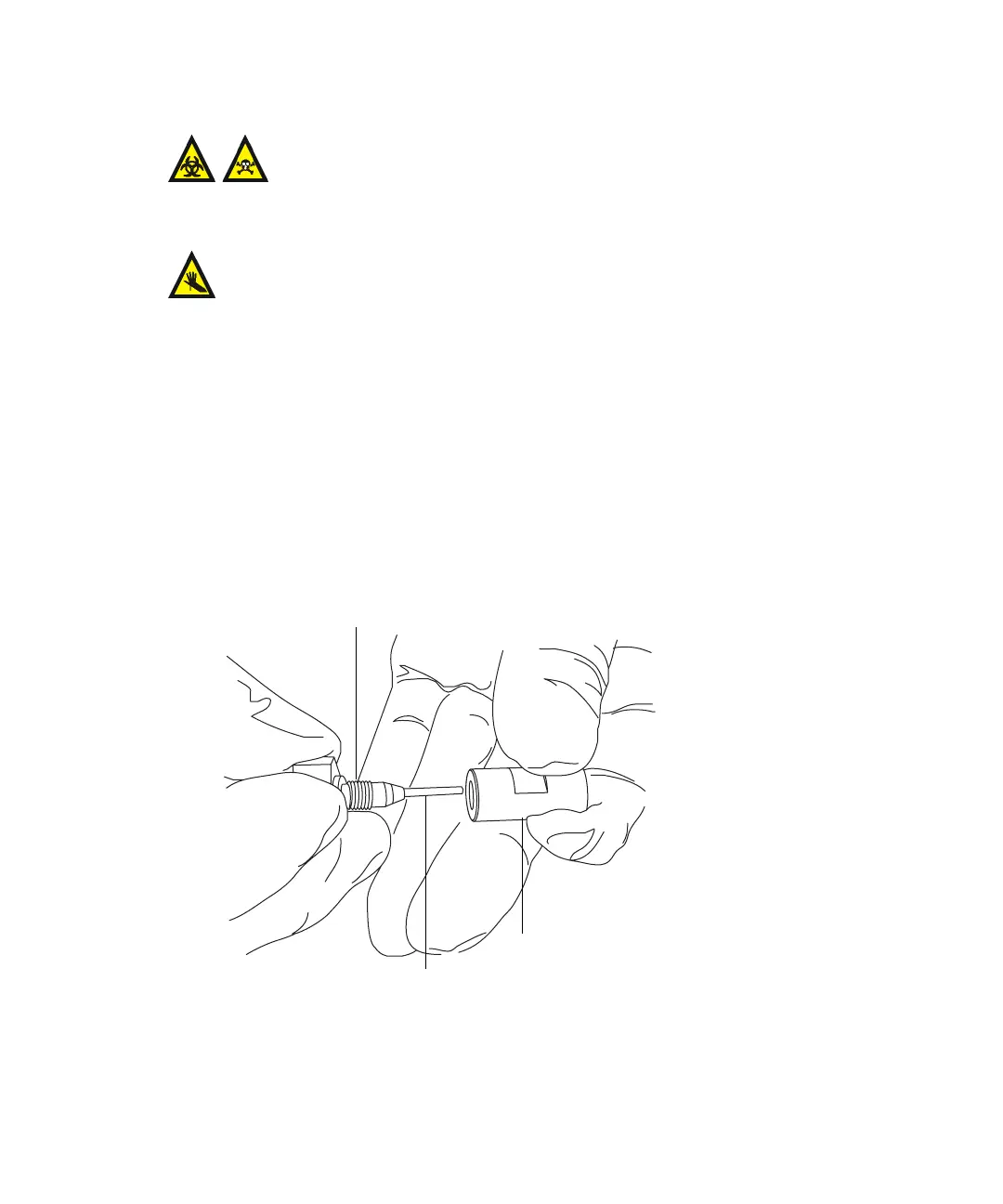
3. Insert one end of the red PEEK tubing in the probe inlet connector, and
finger tighten the connector in the PEEK union.
Rationale: Doing so ensures a minimum dead volume when fitting the
capillary.
Warning: The probe and source components can be contaminated
with biohazardous and/or toxic materials. Always wear
chemical-resistant, powder-free gloves while performing this
procedure.
Warning: The ESI probe tip is sharp. To avoid puncture wounds, handle
the probe with care.
TP02671
Probe inlet connector
PEEK tubing
PEEK union













 To Next Page