PROCEDURE
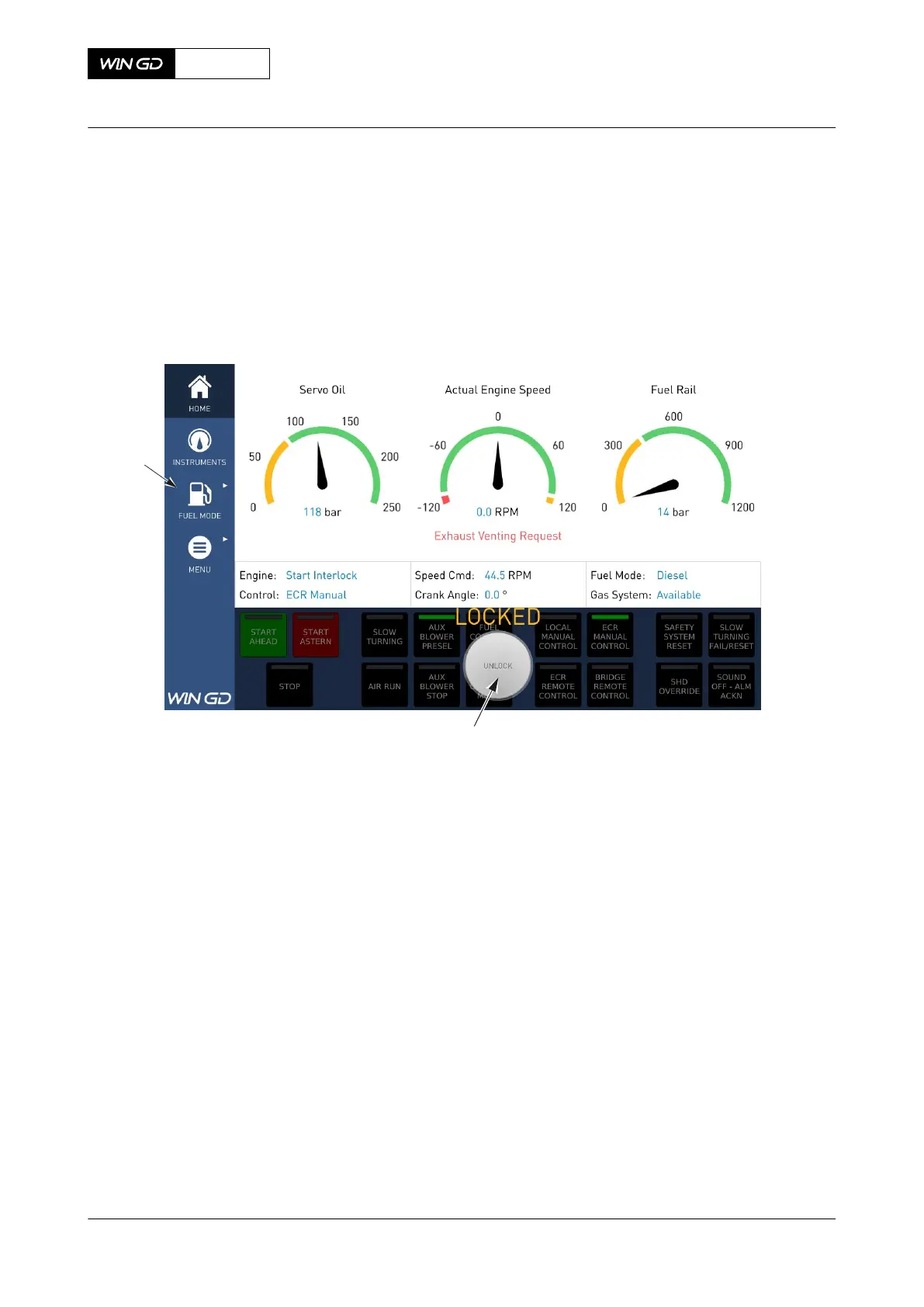
1 If the MCP panel is not in use for 10 min, function buttons will lock automatically.
NOTE: It is possible to use other MCP pages even if the function buttons are locked.
Fig 6-7 MCP page - MAIN locked
Legend
001 UNLOCK button 002 Navigation field
X72-B
AA00-4618-00AAC-131A-A
Operation Manual Operate the manual control panel (MCP)
Winterthur Gas & Diesel Ltd.
- 243 - Issue 003 2021-12



 To Next Page