6.5.2 MCP page - DISPLAY
6.5.2.1 MCP Display
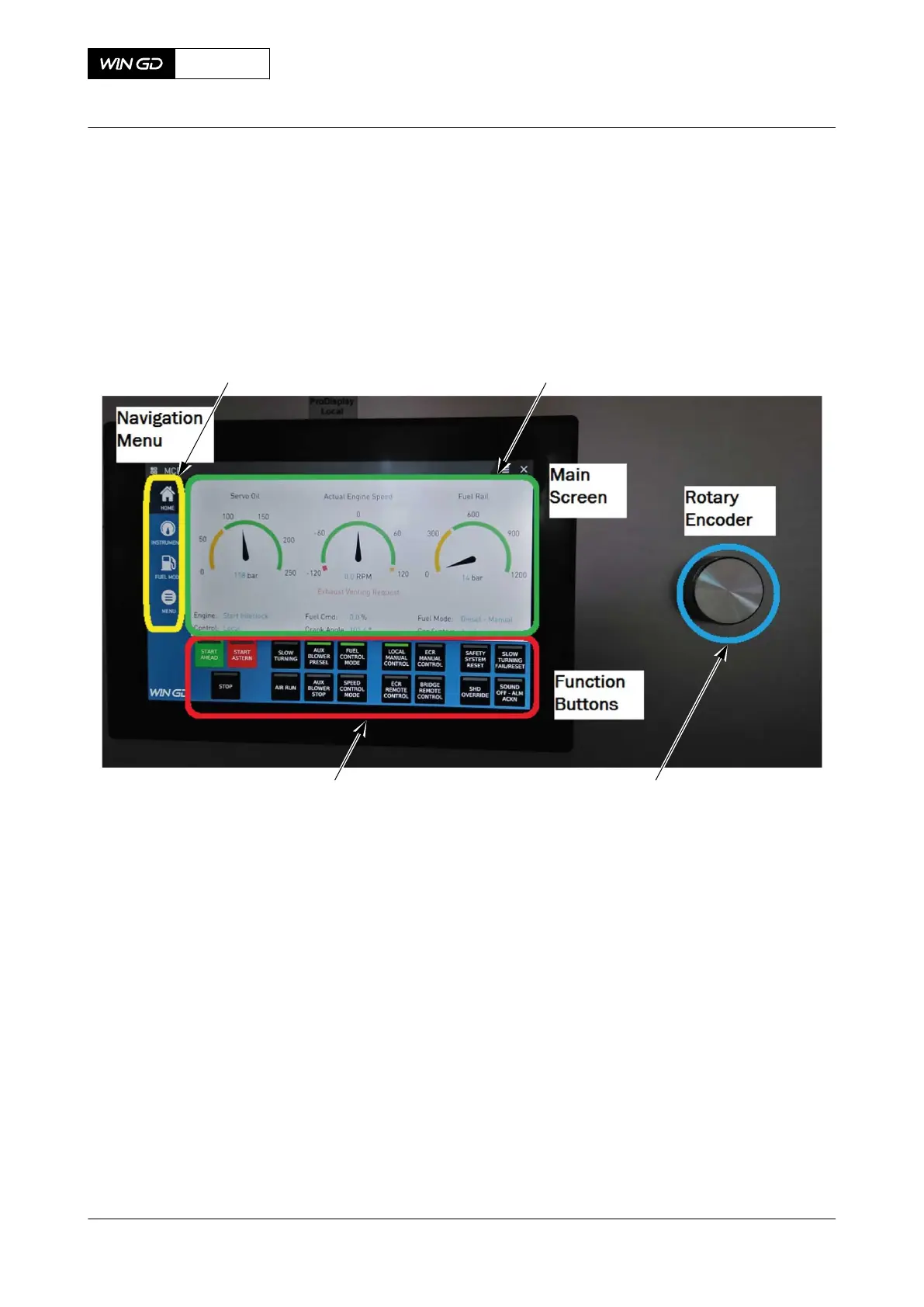
The detail description of MCP display is given below:
Fig 6-9 MCP display
Legend
001 Navigation Menu 003 Rotary Encoder
002 Main Screen 004 Function Buttons
6.5.2.2 Navigation menu
The navigation menu on the left side of the MCP display has below buttons:
X72-B
AA00-4618-01AAB-043B-A
Operation Manual MCP page - DISPLAY
Winterthur Gas & Diesel Ltd.
- 246 - Issue 003 2021-12



 To Next Page