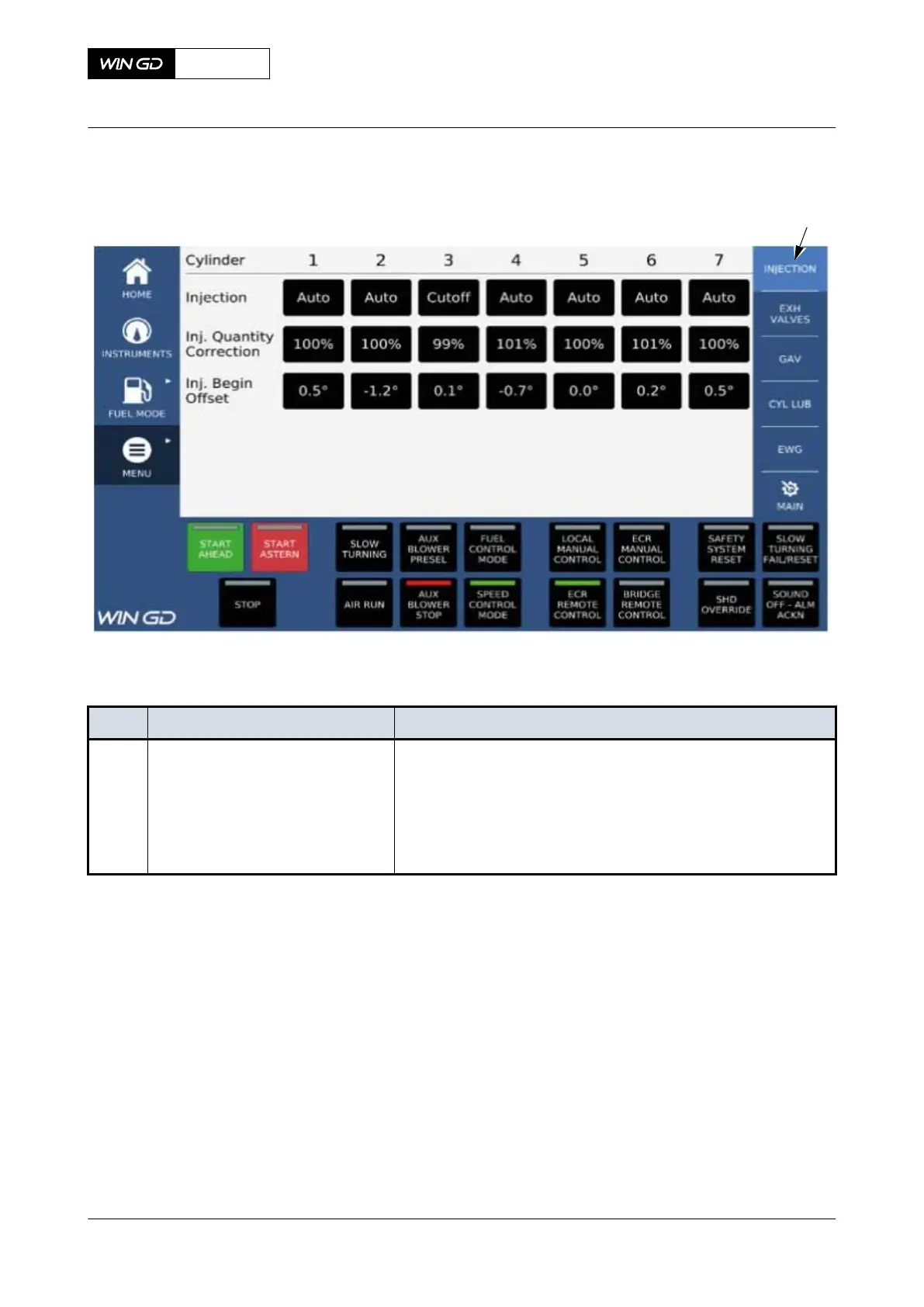
Fig 6-21 MCP page - Injection - Select user parameter
Tab 6-12 MCP page - Injection - Select user parameter
Item Function Effect
001 Injection button Shows the fuel injection user parameters
•
Injection beginning offset can be adjusted individually at
+/- 1.5°
•
Injection cut-off
•
Adjusting the amount of injected fuel on individual cylin-
ders (80 - 110%)
X72-B
AA00-4618-05AAA-043B-A
Operation Manual MCP page - Adjust user parameters
Winterthur Gas & Diesel Ltd.
- 263 - Issue 003 2021-12



 To Next Page