12. SYSTEM APPEARANCE
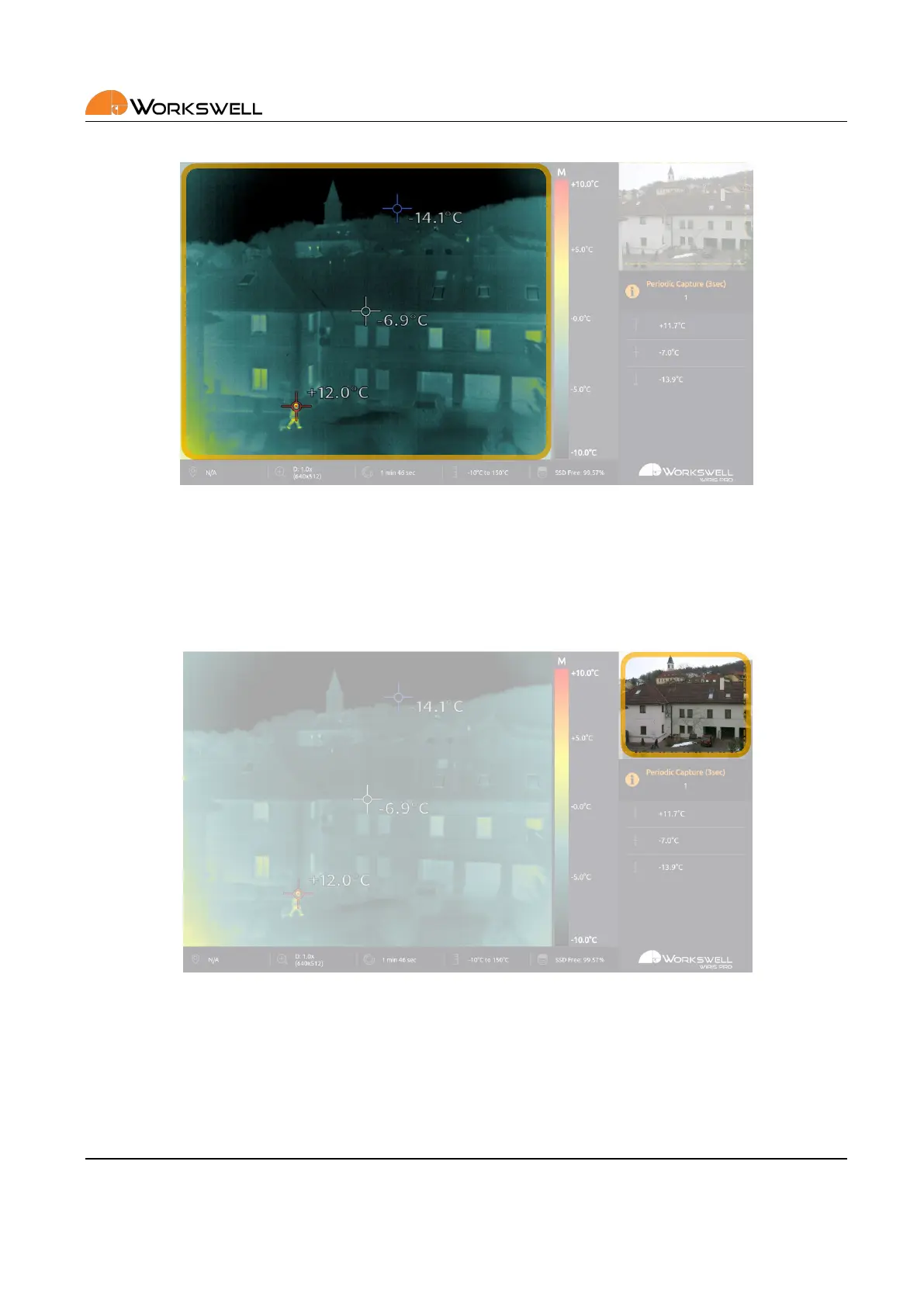
Figure 12.2: Primary camera screen.
PRIMARY CAMERA SCREEN shows live stream from the selected camera (infrared or visible spectrum). In case
of infrared camera, the image from the camera is complemented with informaon about the palee and the
temperature range. It is possible to switch between infrared and visible spectrum camera during the ight.
Figure 12.3: Secondary camera screen.
SECONDARY CAMERA SCREEN is an addional live stream camera screen. It shows live stream from the camera
that is not set as the primary (shown in PRIMARY CAMERA SCREEN). In this case, the infrared camera screen
isn’t provided with a temperature scale (legend). The min/max and center crosses are not shown in SECONDARY
CAMERA SCREEN either.
E‐mail and Web
info@workswell.eu
www.workswell.eu
Mobile:
+420 725 877 063
ID:
Reg. No.: 29048575
VAT No.: CZ29048575
Headquarters
U Albrechtova vrchu 12
155 00, Prague 13
Czech Republic
Version: 201215 EN, 15
th
Dec, 2020
All pictures are only for illustraon.
Real values may vary.
31



 To Next Page