TG Series User Guide
35/86
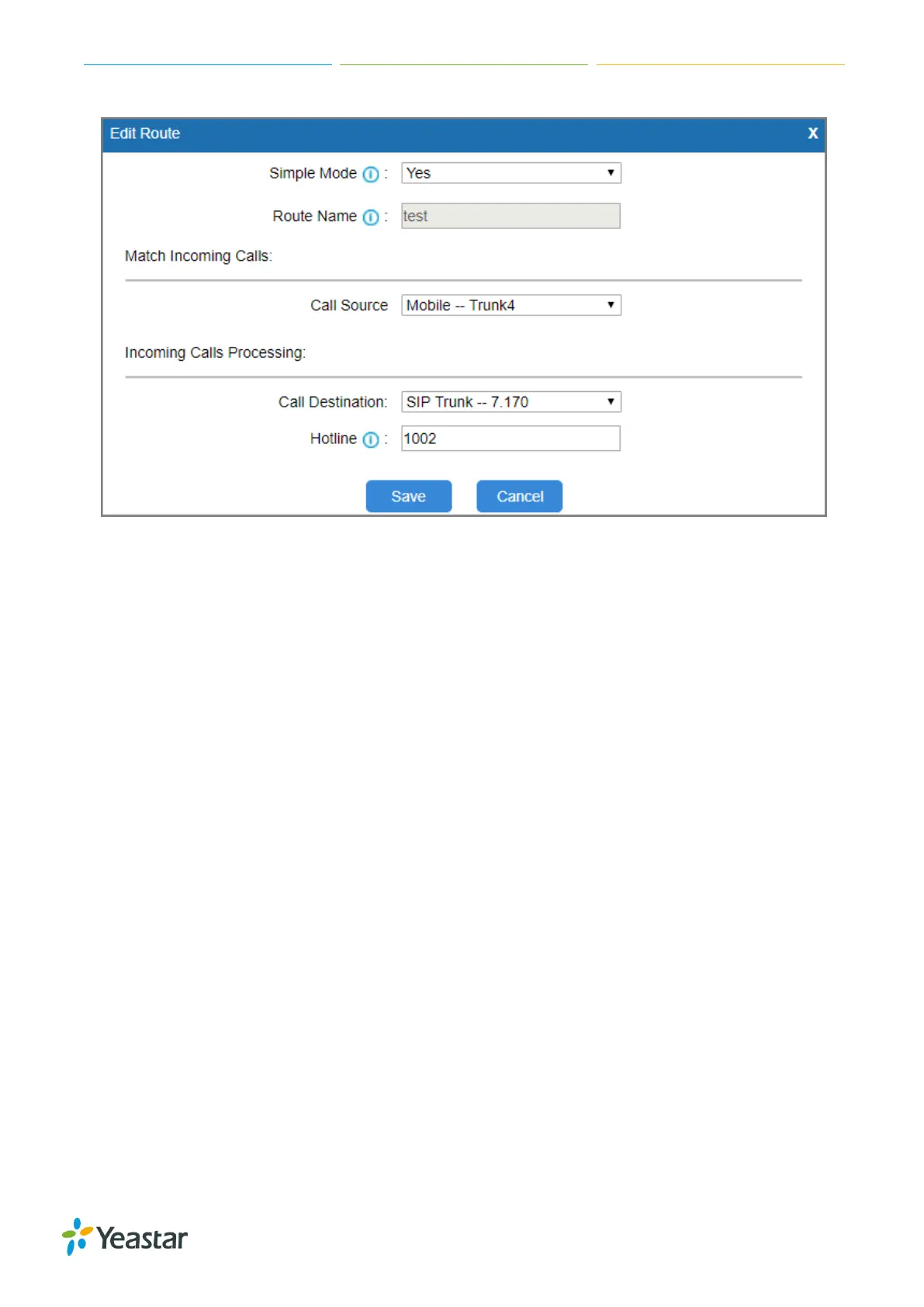
7. Click Save and Apply Changes
When a call reaches the selected GSM/3G trunk, the call will be routed to the desired
destination.
Set up an IP to Mobile Route (Register Trunk Mode)
Procedure
1. Navigate to Gateway > Routes Settings > IP to Mobile.
2. Click Add IP to Mobile Route.
3. Enter a name in the Route Name field.
4. Choose a register SIP trunk from Call Source field.
5. Choose a GSM/3G trunk or a trunk group from the Call Destination field.
6. Enable Two Stage Dial.
a. Set Simple Mode to No.
b. Set Two Stage Dial to Yes.












 To Next Page