TG Series User Guide
60/86
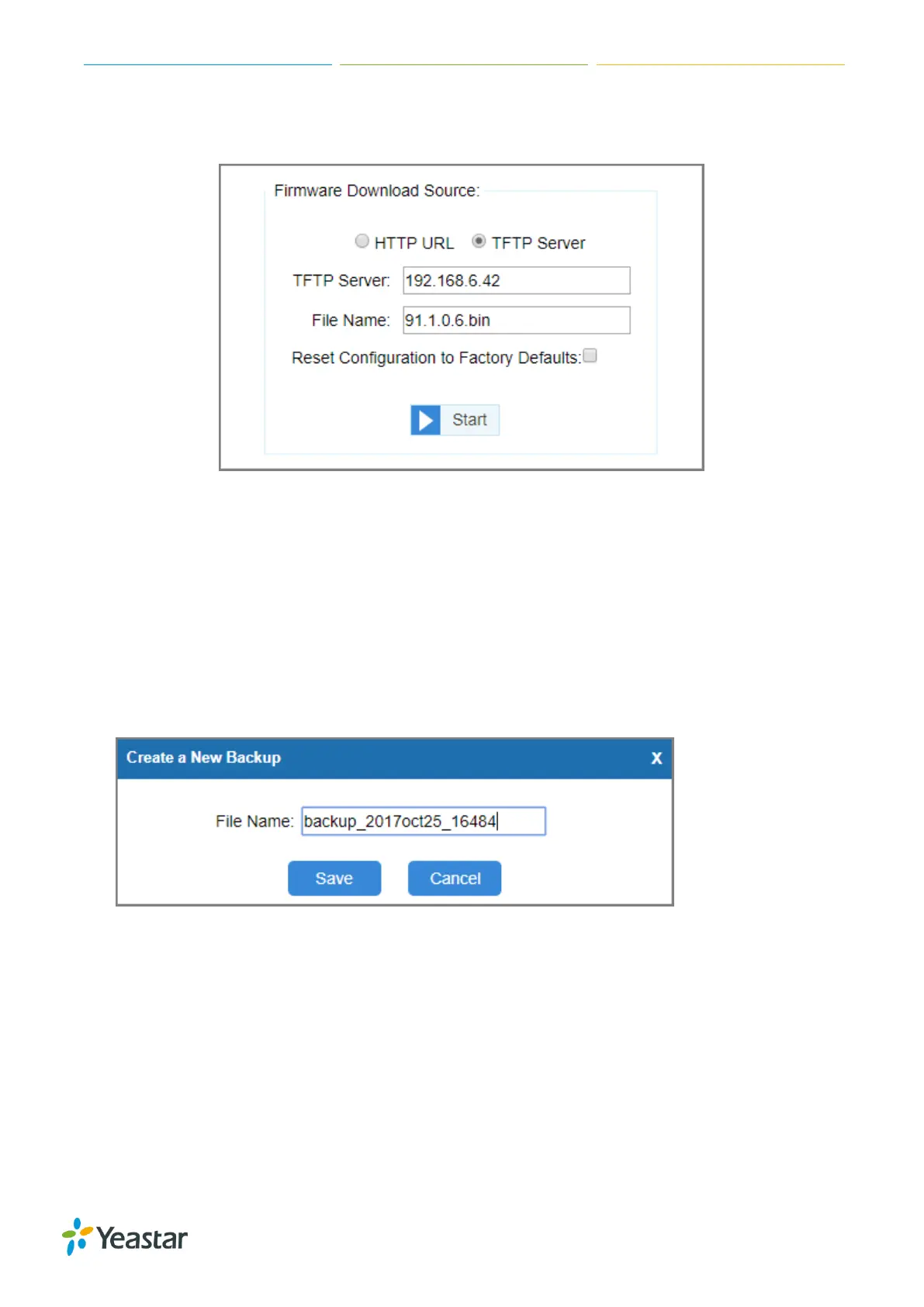
6. Click Start to start downloading the file from the TFTP server.
After downloading the desired firmware file, the system will reboot automatically to take effect.
Backup and Restore
Create a Backup File
Procedure
1. Navigate to System > System Preferences > Backup and Restore.
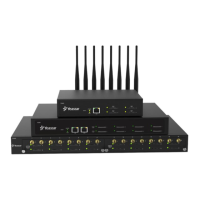
2. Click Create a New Backup.
The following window appears.
3. Set the File Name.
4. Click Save, all the system configurations are generated in a tar file.
You can see the backup file on the Backup and Restore page.
Upload Backup Files
You can upload a backup file from your local PC, and restore the configurations of the backup file.
Prerequisite
The backup file must be a .tar file, and the file size must be smaller than 1.8 MB.




 To Next Page