TG Series User Guide
59/86
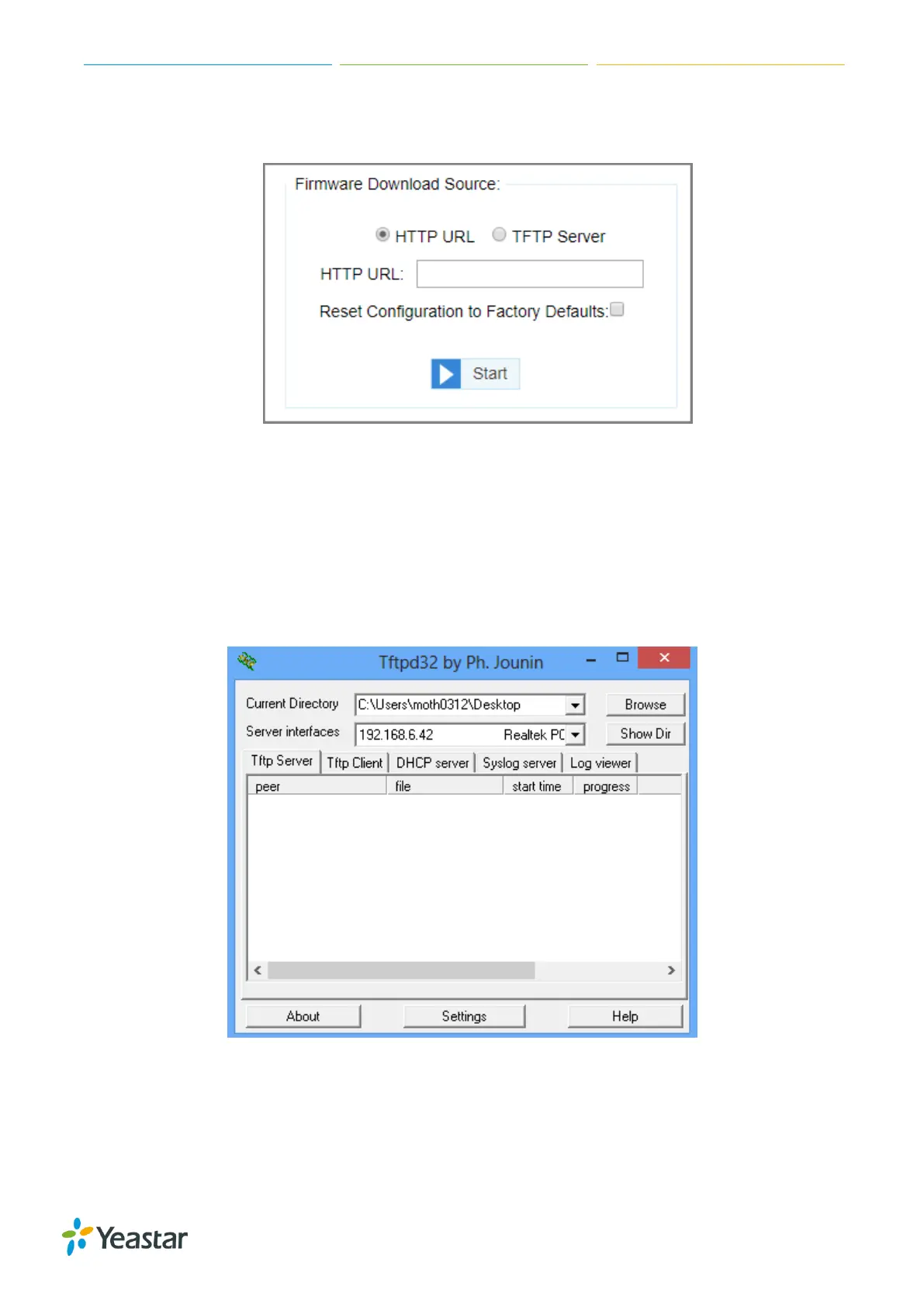
5. Click Start to start downloading the file from the HTTP server.
After downloading the desired firmware file, the system will reboot automatically to take effect.
Upgrade Firmware through TFTP Server
Procedure
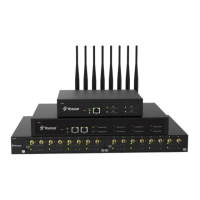
1. Set up TFTP server. Below is an example of Tftpd32.
a. Open Tftpd32.
b. Click Browse to select the firmware file upgraded patch.
2. Log in TG gateway, navigate to System > System Preferences > Firmware Update.
3. Check the checkbox of TFTP Server.
4. Enter the IP address of the TFTP server in TFTP Server field.
5. Enter the name of firmware in File Name field.
Note: The file name should be a BIN file name.




 To Next Page