TG Series User Guide
47/86
Port: the system uses which GSM/3G port to send SMS messages.
Status: choose the sent status of the SMS messages.
Destination: enter a destination number.
Procedure
1. Navigate to SMS > SMS > Outbox.
2. Set the searching criteria.
3. Click Start Searching, the filtered SMS messages appears on the page.
Download Searched Results
After searching the desired SMS messages, you can download and export the records to a .csv file.
Procedure
1. Navigate to SMS > SMS > Outbox.
2. Click Download the messages to download and export the searched SMS messages.
Delete Searched Results
You can search the desired SMS messages, and delete them.
Procedure
1. Navigate to SMS > SMS > Outbox.
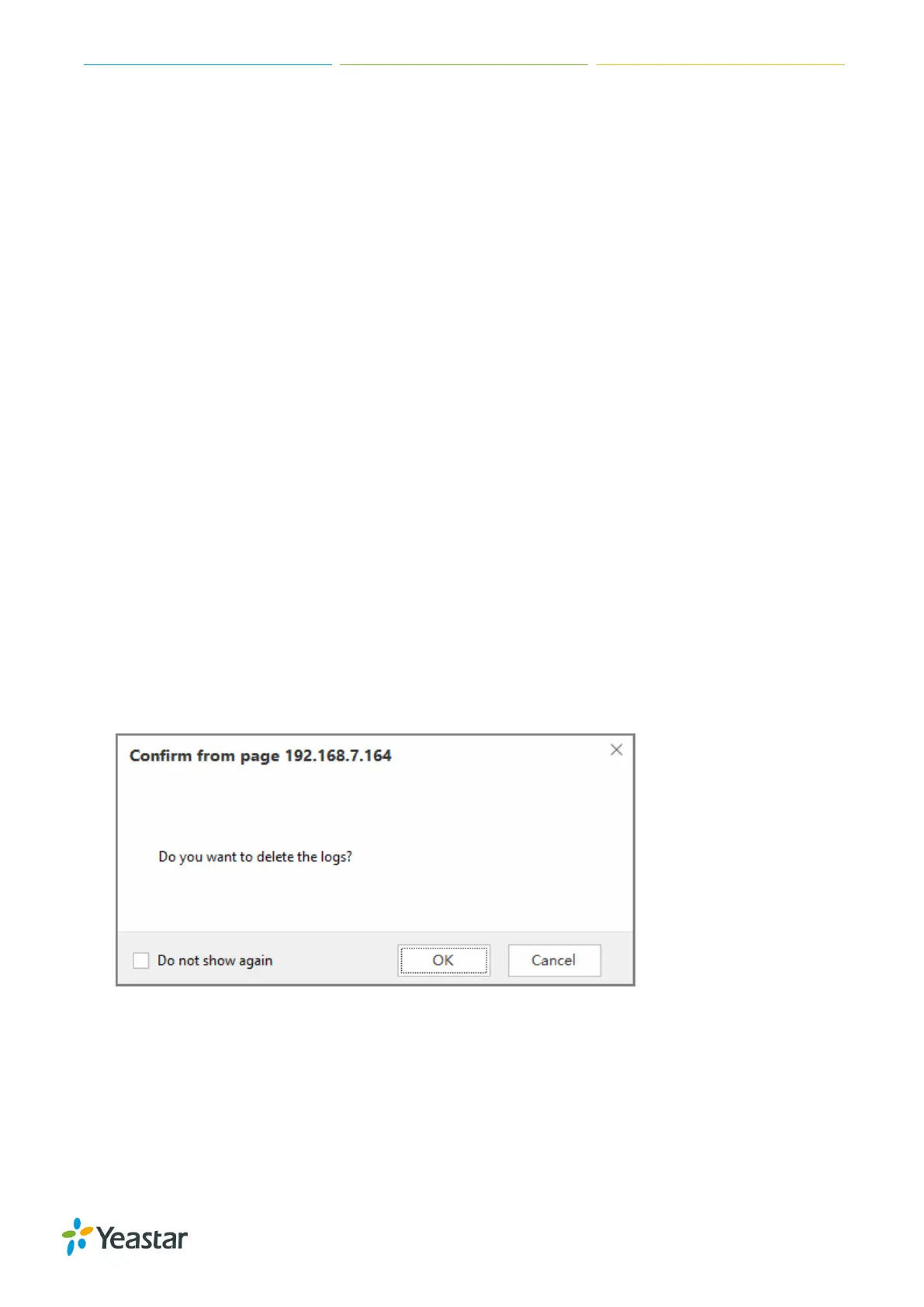
2. Click Delete All messages to delete the searched SMS messages. A popup window appears.
3. Click Yes to delete the searched records.
Manage Received SMS Messages
View Received SMS Messages
Procedure












 To Next Page