TG Series User Guide
72/86
Configure SIP Advanced Settings
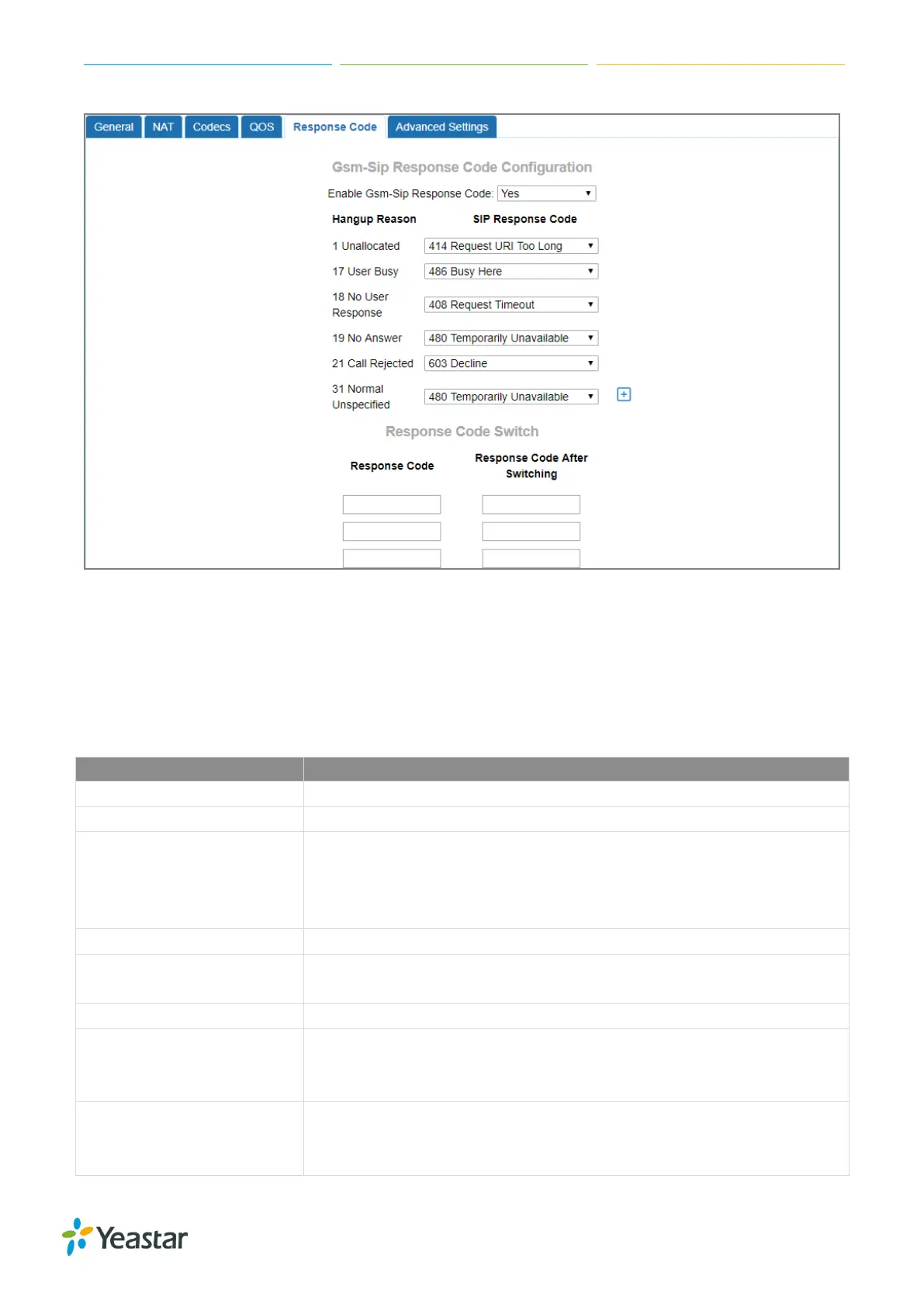
Navigate to Gateway > VoIP Settings > SIP Settings > Advanced Settings, to configure the SIP
advanced settings.
Check the description of SIP advanced settings below.
Where to get the caller ID in SIP packet
Where to get the DID in SIP packet
There are two modes Alerted and Immediately. If you choose the
Alerted mode, after you make an outbound call, TG will respond a
“183 Session Progress” SIP packet. If you choose “Immediately”, TG
will respond a “180 ringing” SIP packet
Whether send Remote-Party-ID on SIP header. Default is no.
Whether allow anonymous registration extension. Default: no. It’s
recommended to be disabled for security.
Enable pedantic parameter. Default: no.
If enabled, when TG gateway rejects “Register” or “Invite” packets, TG
gateway always respond the packets using “SIP 404 NOT FOUND”.
It’s recommended to be enabled for security.
If you choose “No”, when TG receive an OPTION SIP packet, TG will
respond a “404 NOT FOUND” SIP packets. If you choose, TG will
respond a “200 OK” SIP packets.











 To Next Page