7 Troubleshooting | 7.2 Column ZEISS
With the EVO microscope, you can use the following types of filaments:
§ Tungsten filaments (pre-aligned)
§ Tungsten filaments (not pre-aligned)
§ LaB₆ filaments
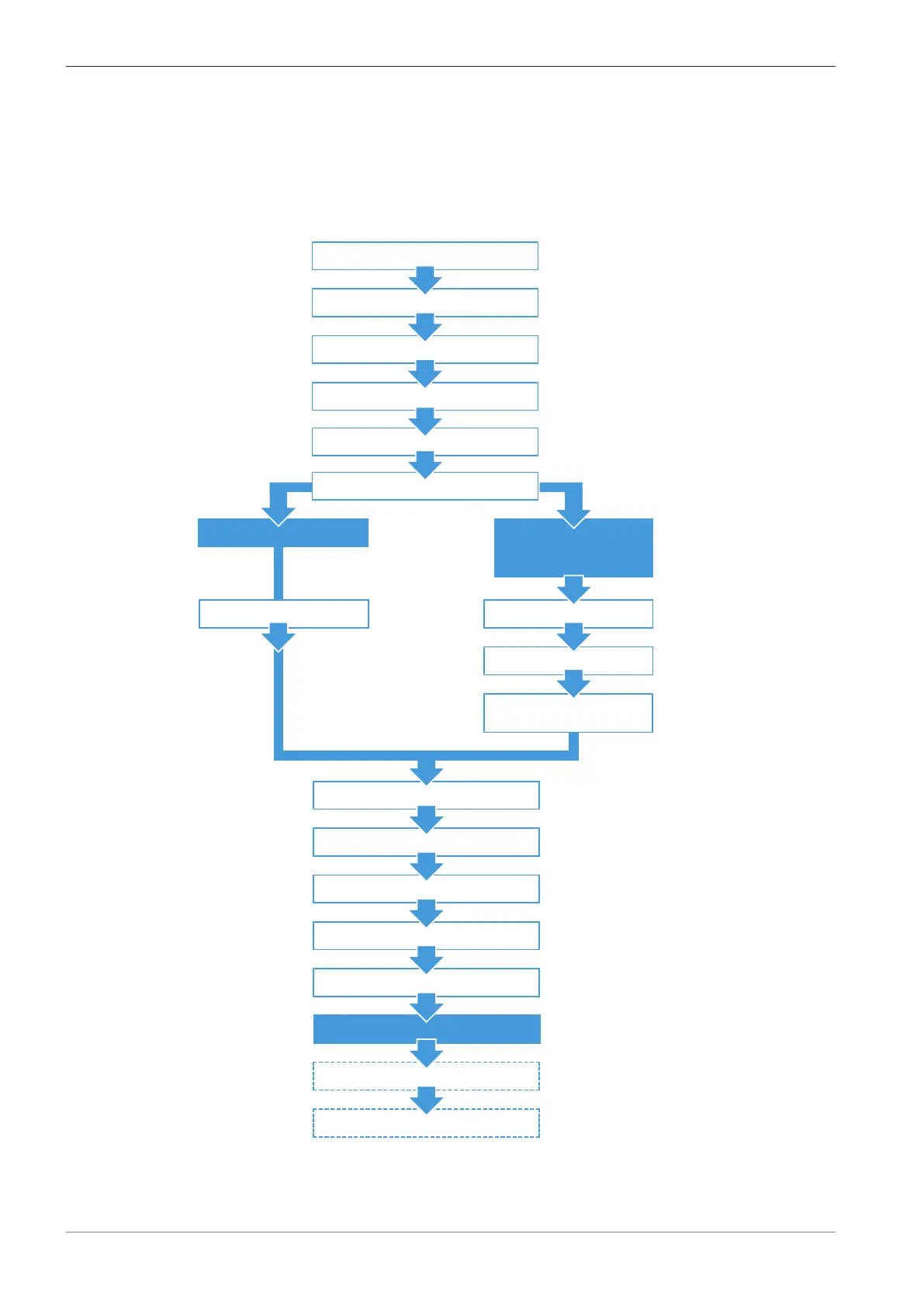
The procedure for replacing the filament is similar for all types of filaments. For details and differ-
ences, refer to the lists for the different types of filaments after the overview figure.
- Tungsten, not pre-aligned
- LaB₆
- Exchange LaB₆ to Tungsten
Unpacking a New Filament Holder Disassembling the Filament Holder
Unpacking a New Filament
Installing the Filament to the
Filament Holder
Venting the Gun and the Specimen Chamber
De-energizing the Microscope
Disassembling the Gun
Disassembling the Firing Unit
Tungsten, pre-aligned
Installing the Brass Retaining Washer
Reinstalling the Firing Unit to the Gun
Reinstalling the Gun to the Microscope
Starting the Microscope
Aligning the Emission Image
Starting up the Filament
Only LaB₆:
Installing the Filament Holder to the Firing Unit
Cleaning the Firing Unit
Cleaning the Anode
Fig.44: Overview of the procedure for replacing the different types of filament
122 Instruction Manual ZEISS EVO | en-US | Rev. 10 | 354706-0780-006



 To Next Page