ZEISS 5 First Operating Steps | 5.4 Acquiring an Image
5.4.10.2 Moving the Field of View at High Magnifications
If you want to move the field of view at high magnifications, use the Beam Shift function instead
of moving the stage.
Procedure
1. In the Panel Configuration Bar, double-click Beam Shift.
2. To shift the beam, in the Beam Shift navigation
box, use the scroll bars or the red marker.
5.4.10.3 Limiting the Scan Field
Prerequisite
ü
Adjusting the size and position of the small frame (reduced raster) requires the license RE-
DUCED.
Procedure
1. In the Toolbar, click the REDUCE icon.
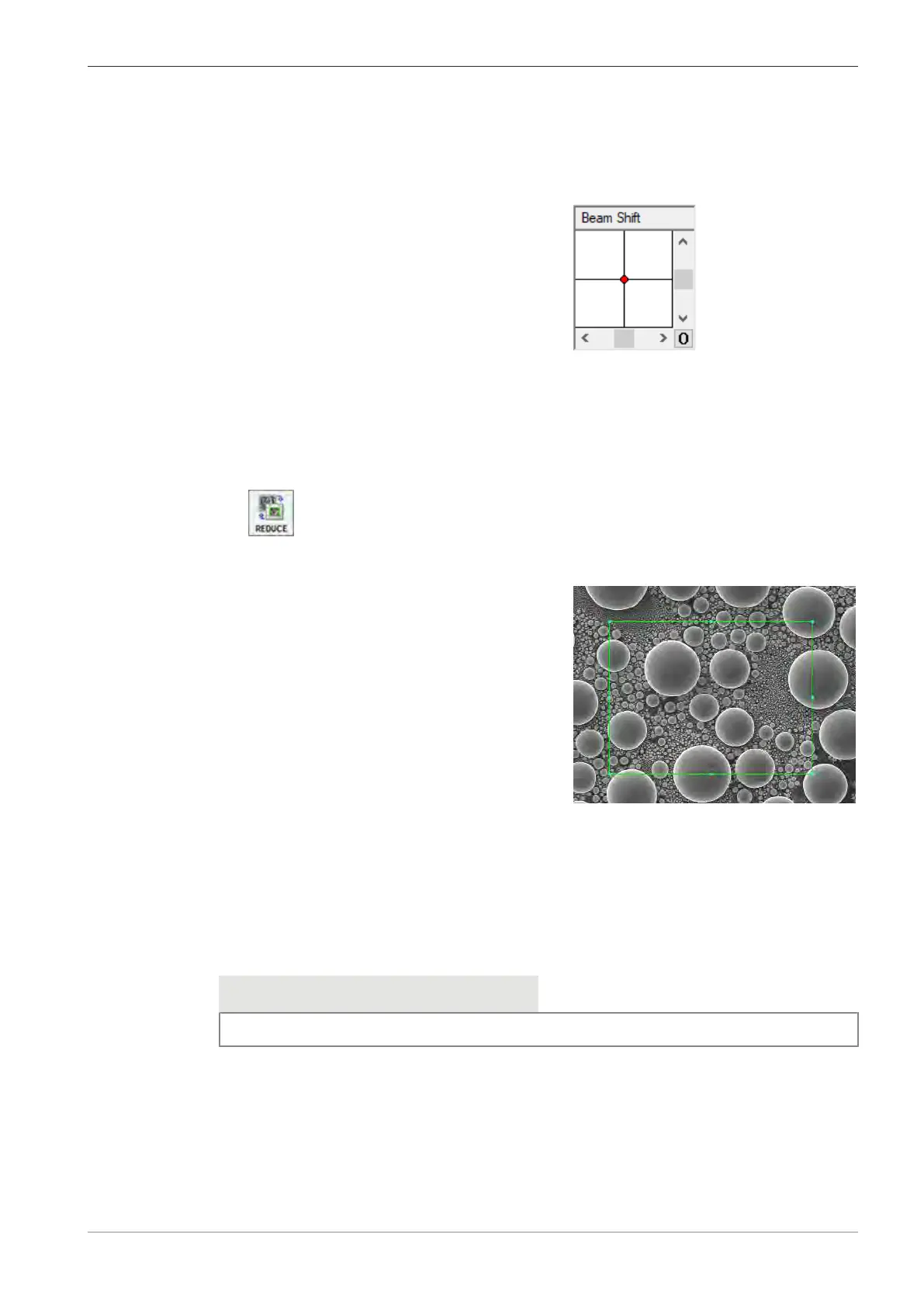
à A small scan frame is displayed. This frame defines the specimen area to be scanned by
the electron beam.
à
The image outside the scan frame is frozen.
2. To change the position of the scan frame, click on the green border line and use the mouse
to drag and drop the frame.
3. To change the size of the scan frame, click on the small blue squares on the green border
line and drag them to the desired size.
4. Focus the image in the reduced raster.
5.4.10.4 Aligning the Aperture
Info
If the VP100μm aperture is fitted under the objective lens, focus wobble is not available.
Procedure
1. In the SEM Controls panel, select the Apertures tab.
2. Activate the Focus Wobble checkbox.
INFO: Focus wobble is a function that sweeps the acceleration voltage. If the aperture is
misaligned, a lateral and vertical shift can be observed.
à The Focus Wobble window is displayed.
3. To adjust the wobble intensity, use the Wobble Amplitude scroll bar. Set a value between
60% and 70%.
Instruction Manual ZEISS EVO | en-US | Rev. 10 | 354706-0780-006 77



 To Next Page