5 First Operating Steps | 5.7 Working with Specific Specimen Types ZEISS
Pressure-limiting aperture Mid-column aperture
None (HV mode) 20μm or 30μm
400 μm EasyVP aperture 20μm or 30μm
100 μm VP aperture 750μm
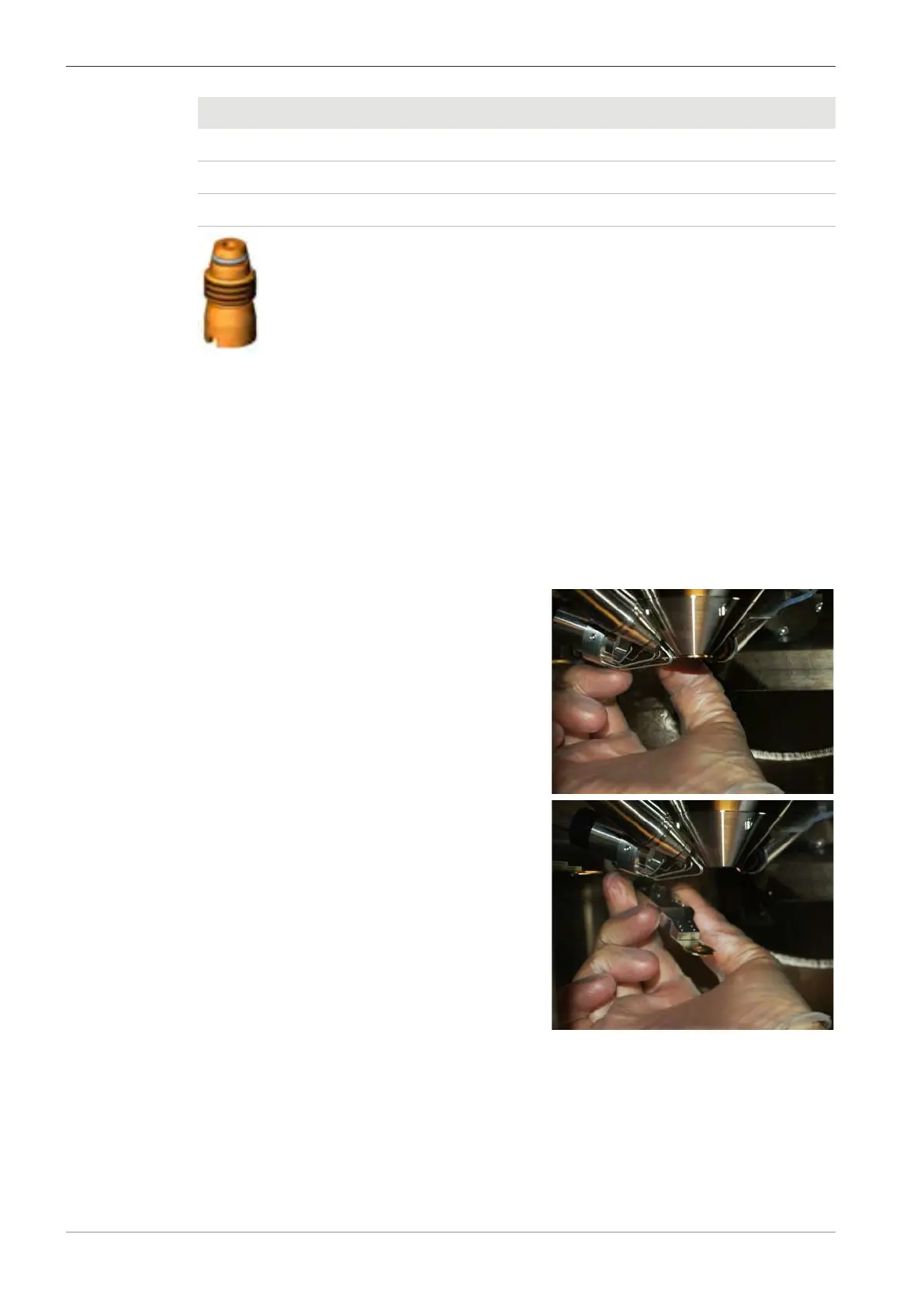
Fig.42: 100μm VP aperture or 400 μm EasyVP aperture
Parts and Tools
400μm EasyVP aperture (354720-1464-000)
Alternatively: 100μm VP aperture (350700-0700-000)
Aperture removal tool (350700-0692-000)
VP aperture tool (350700-0859-000)
Prerequisite
ü
The microscope is equipped with the VP mode or EasyVP mode option.
Procedure
1. In the SEM Controls panel, select the Vacuum tab.
2. To vent the specimen chamber, click Vent.
3. If a lens-mounted BSD is fitted, remove the BSD
and place it in the parked position.
4. Retract all retractable detectors.
94 Instruction Manual ZEISS EVO | en-US | Rev. 10 | 354706-0780-006



 To Next Page