Preparations
Supplying power
F
Multi Track Field Recorder
15
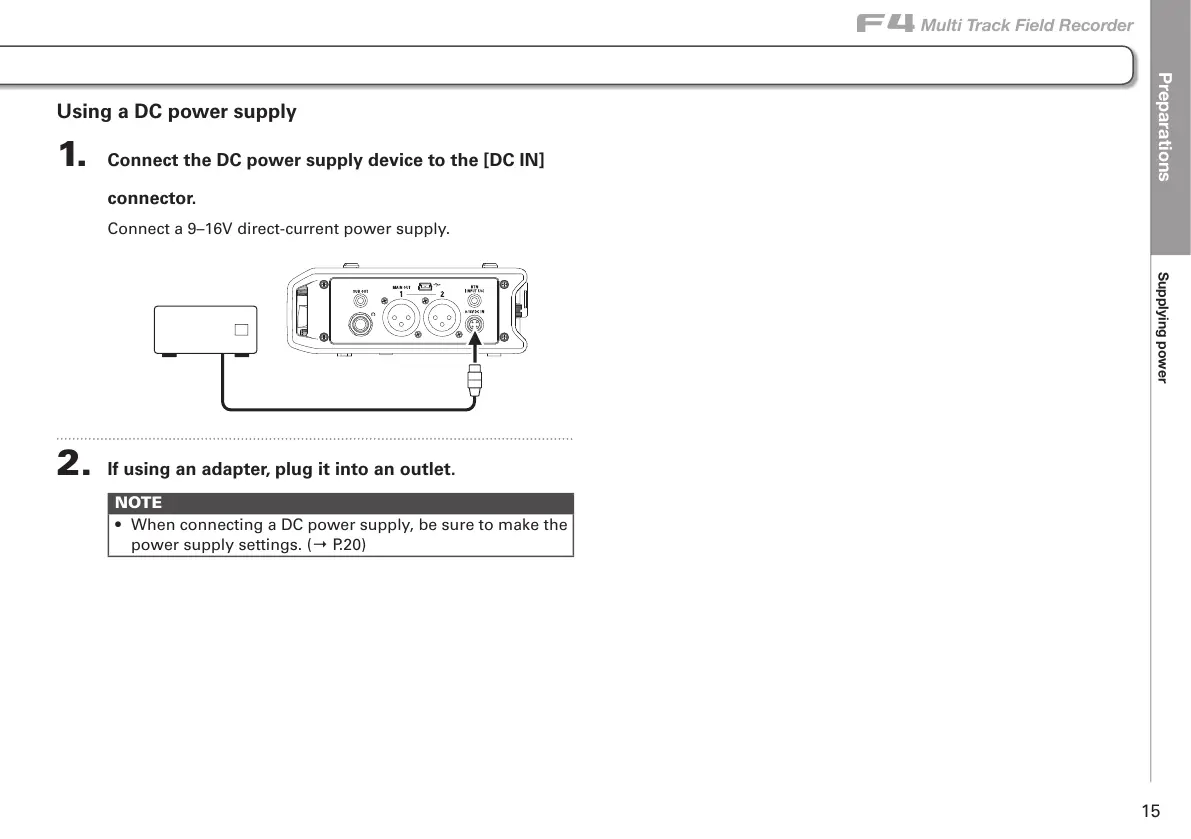
Using a DC power supply
1. Connect the DC power supply device to the [DC IN]
connector.
Connect a 9–16V direct-current power supply.
2. If using an adapter, plug it into an outlet.
NOTE
• When connecting a DC power supply, be sure to make the
power supply settings. (→ P.20)



 To Next Page