Input settings
Adjusting the L/R track volume
F
Multi Track Field Recorder
71
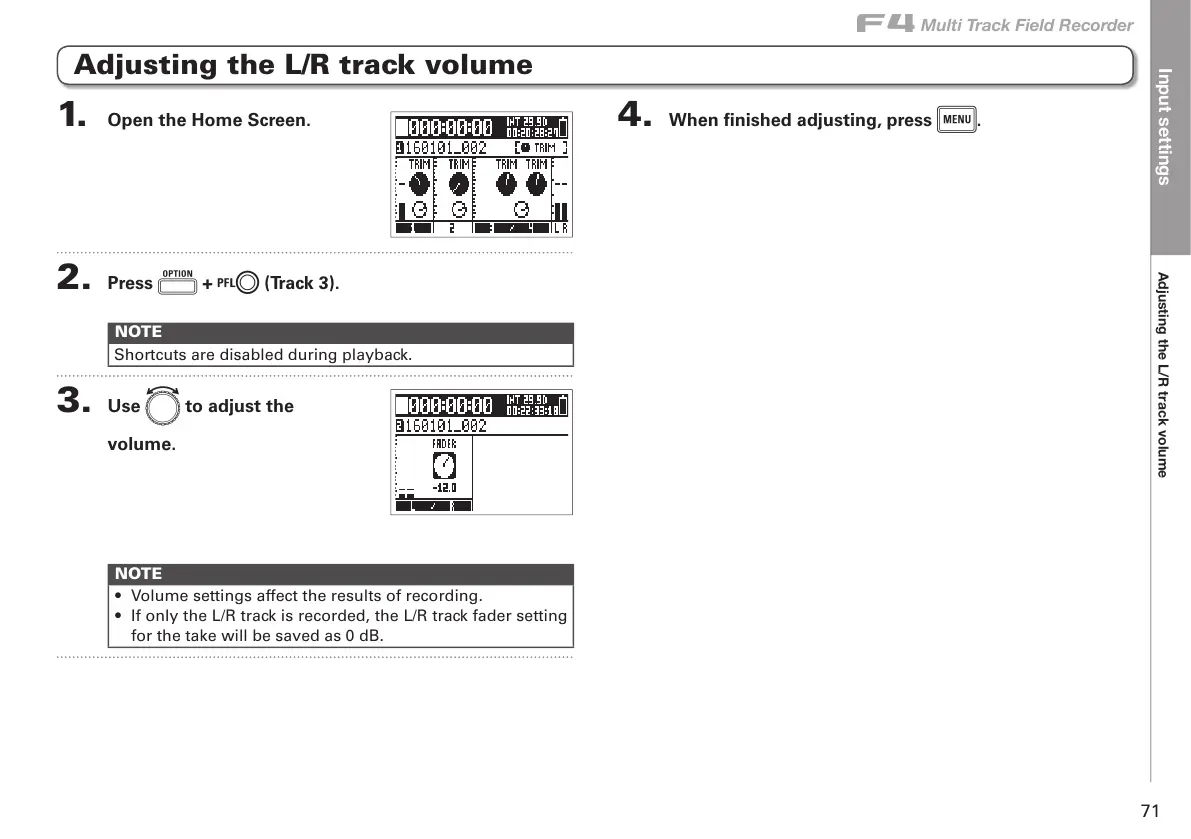
1. Open the Home Screen.
2. Press o + l (Track 3).
NOTE
Shortcuts are disabled during playback.
3. Use e to adjust the
volume.
NOTE
• Volume settings affect the results of recording.
• If only the L/R track is recorded, the L/R track fader setting
for the take will be saved as 0 dB.
4. When finished adjusting, press m.
Adjusting the L/R track volume



 To Next Page