Recorded take settings
Changing the track name of the next take recorded (Track Name)
48
Changing the track name of the next take recorded (Track Name) (continued)
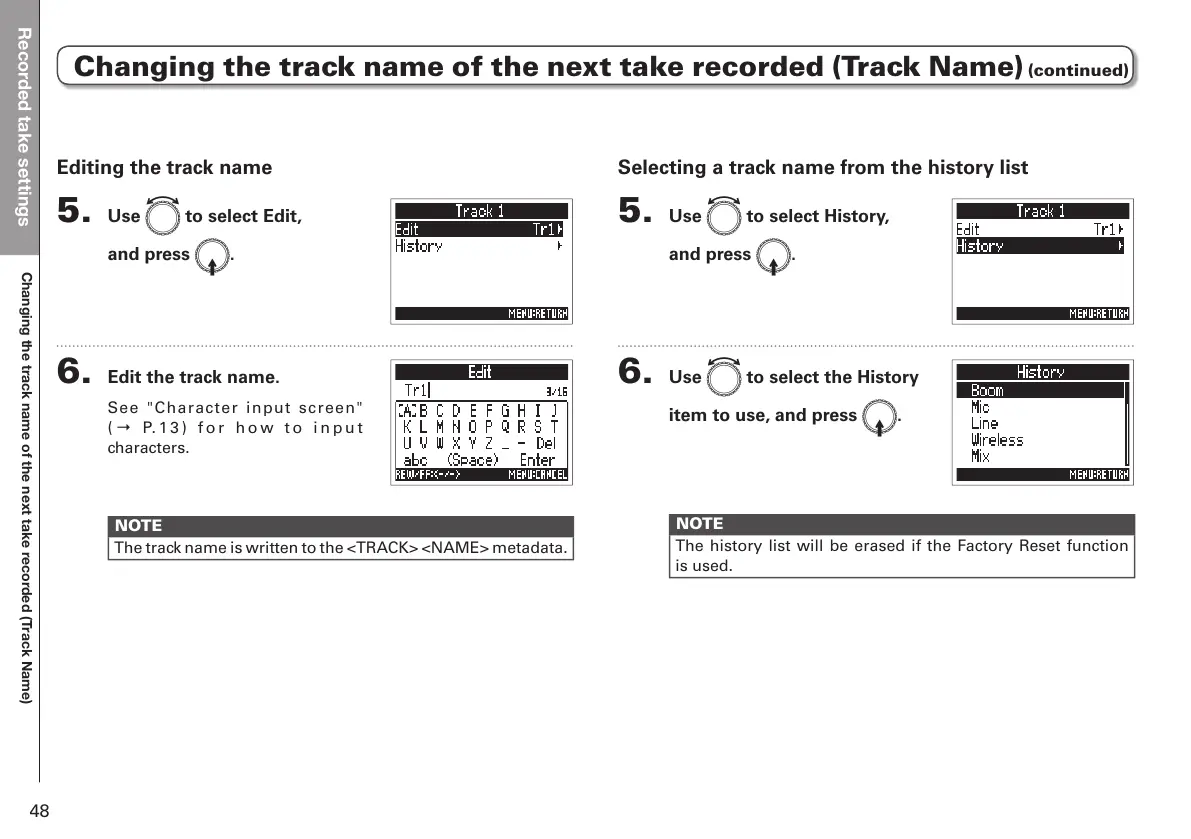
Selecting a track name from the history list
5. Use e to select History,
and press E.
6. Use e to select the History
item to use, and press E.
NOTE
The history list will be erased if the Factory Reset function
is used.
Editing the track name
5. Use e to select Edit,
and press E.
6. Edit the track name.
See "Character input screen"
( → P. 1 3 ) f o r h o w t o i n p u t
characters.
NOTE
The track name is written to the <TRACK> <NAME> metadata.



 To Next Page