Take and folder operations
Writing a sound report (Create Sound Report)
F
Multi Track Field Recorder
69
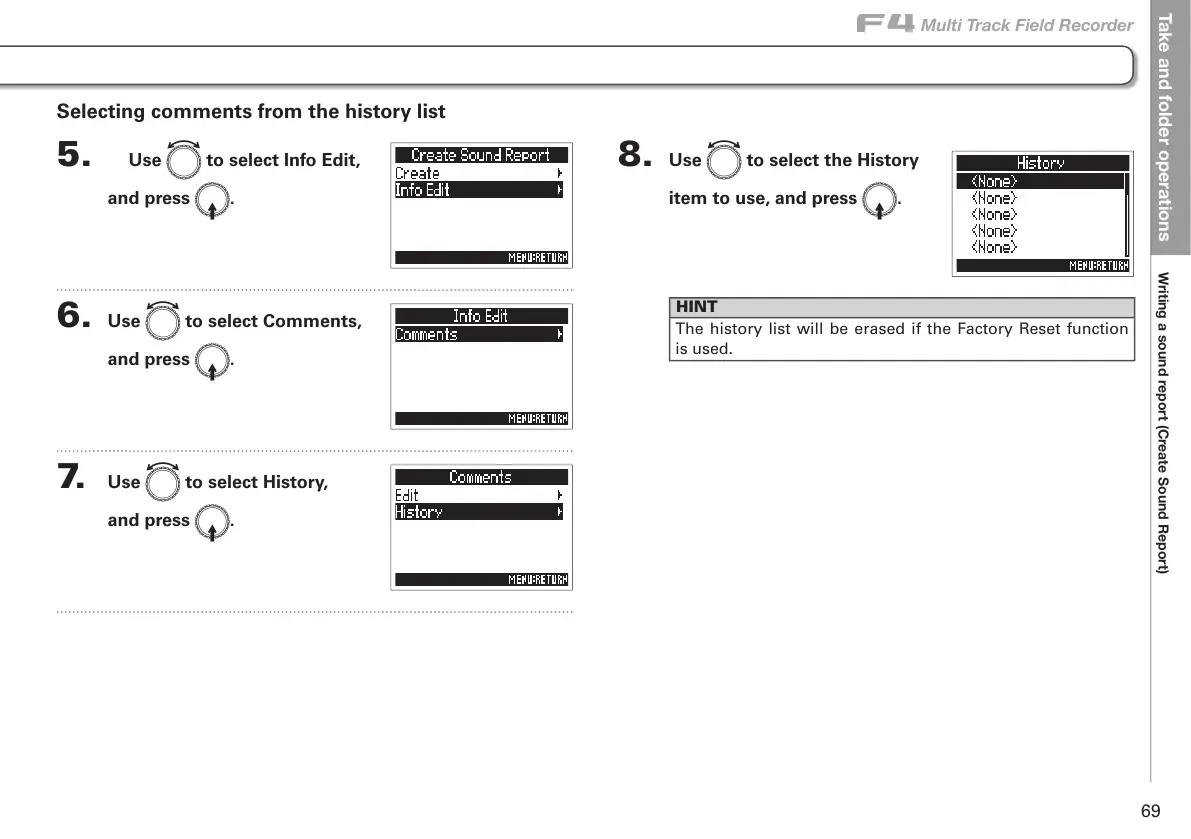
8. Use e to select the History
item to use, and press E.
HINT
The history list will be erased if the Factory Reset function
is used.
Selecting comments from the history list
5. Use e to select Info Edit,
and press E.
6. Use e to select Comments,
and press E.
7. Use e to select History,
and press E.



 To Next Page