Recording
Overdubbing
35
H5 Handy Recorder
HINT
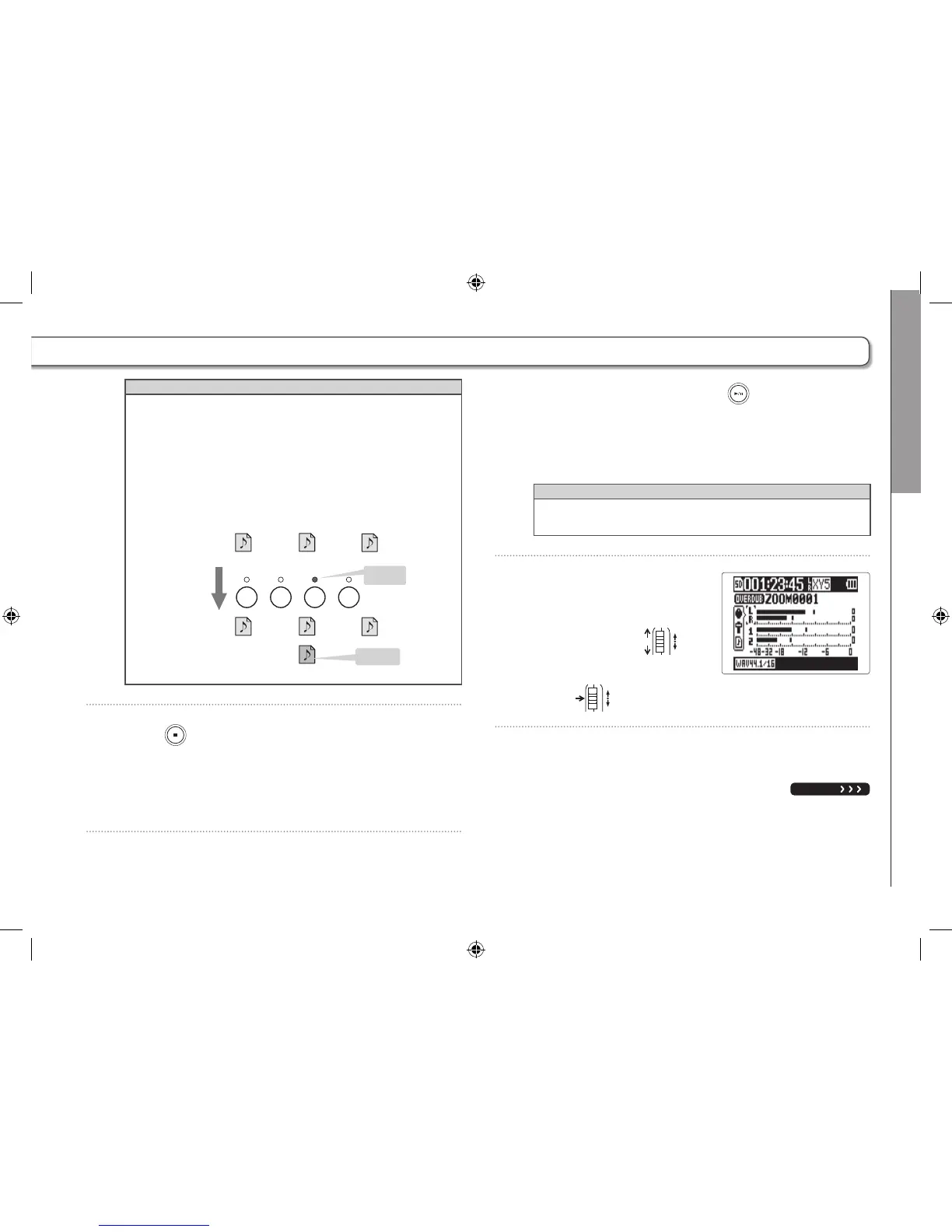
Even if the overdubbed track already had a recorded file,
the original file will not be overwritten. A new file will be
created that can be assigned to any track. The name of the
new recorded file will be the track name with a two-digit
take number added to the end, like "ZOOM0001_TrLR-01.
WAV".
After you are done recording, you can assign any files to
any tracks.
Overdub
using track 1
Project folder
Project folder
ZOOM0002_TrLR.WAV
ZOOM0002_Tr1.WAV
ZOOM0002_Tr2.WAV
ZOOM0002_TrLR.WAV
ZOOM0002_Tr1.WAV
ZOOM0002_Tr1-01.WAV
ZOOM0002_Tr2.WAV
21RL
File added to
project
10
. Press to stop.
The track selected for overdubbing in step 6 will no longer
be record ready and its indicator will light green.
11
. To check the recording, press .
The audio from tracks with indicators that are lit green
will play back.
HINT
By using the MIX DOWN function, you can combine over-
dubbed recordings into a stereo file. (→ P. 54)
12. To change the track
that the recording file is
assigned to, use
to select the track, and
press
.
NEXT



 To Next Page