Cross Connections | 123
The Cross Connections page
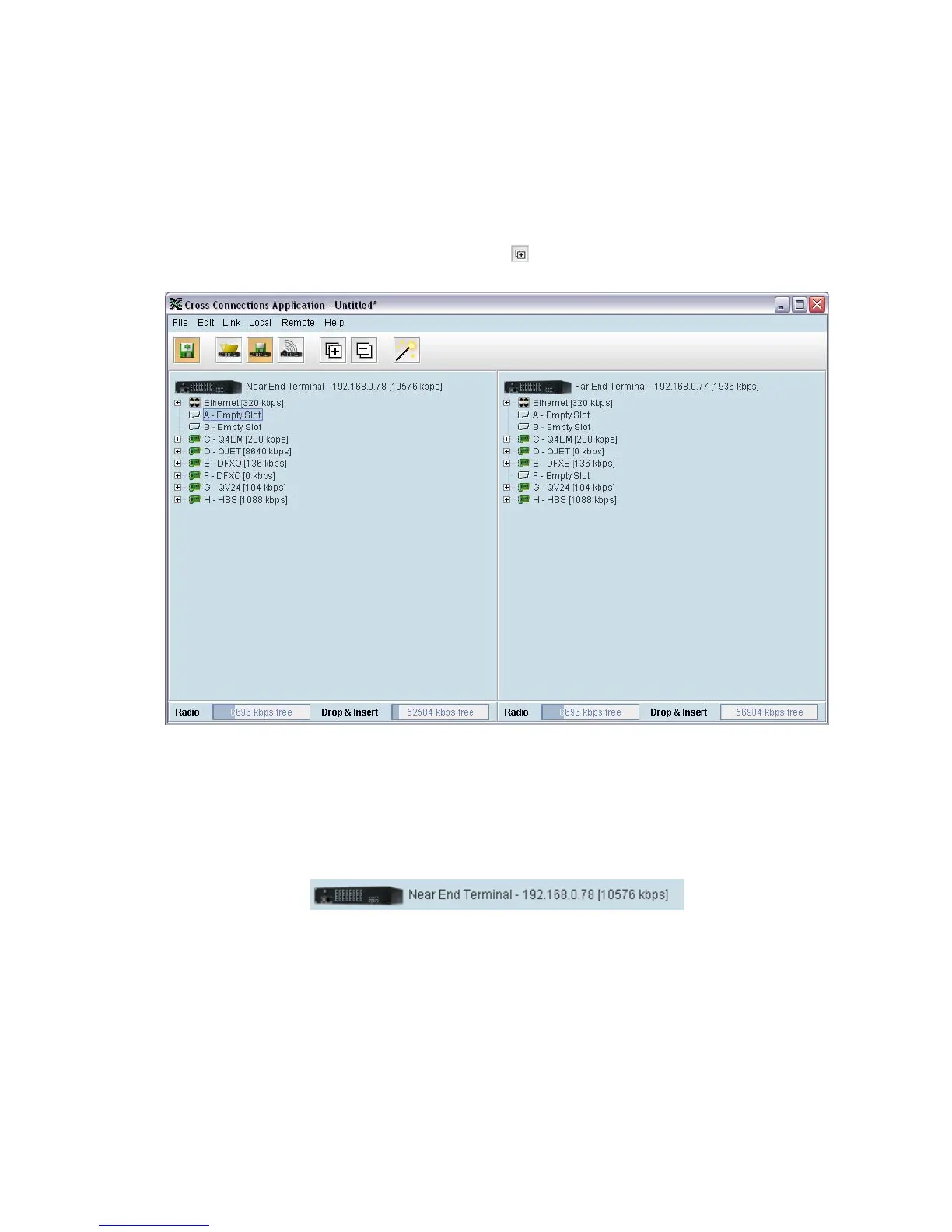
The Cross Connections page is split into two panes with each pane displaying one terminal. The local
terminal is displayed in the left pane and the remote terminal is displayed in the right pane.
The local terminal is defined as the terminal that SuperVisor is logged into (not necessarily the near
end terminal).
The cards displayed depend on the type of cards and where they are inserted in the chassis.
To view the ports for each interface card, click on the button
Tool Tips are available by holding the mouse pointer over objects on the screen.
Total assigned link capacity
The current total assigned capacity (radio link and drop and insert) is shown (in kbit/s) beside the
terminal name and IP address:



 To Next Page