Maintenance | 189
Rebooting the terminal
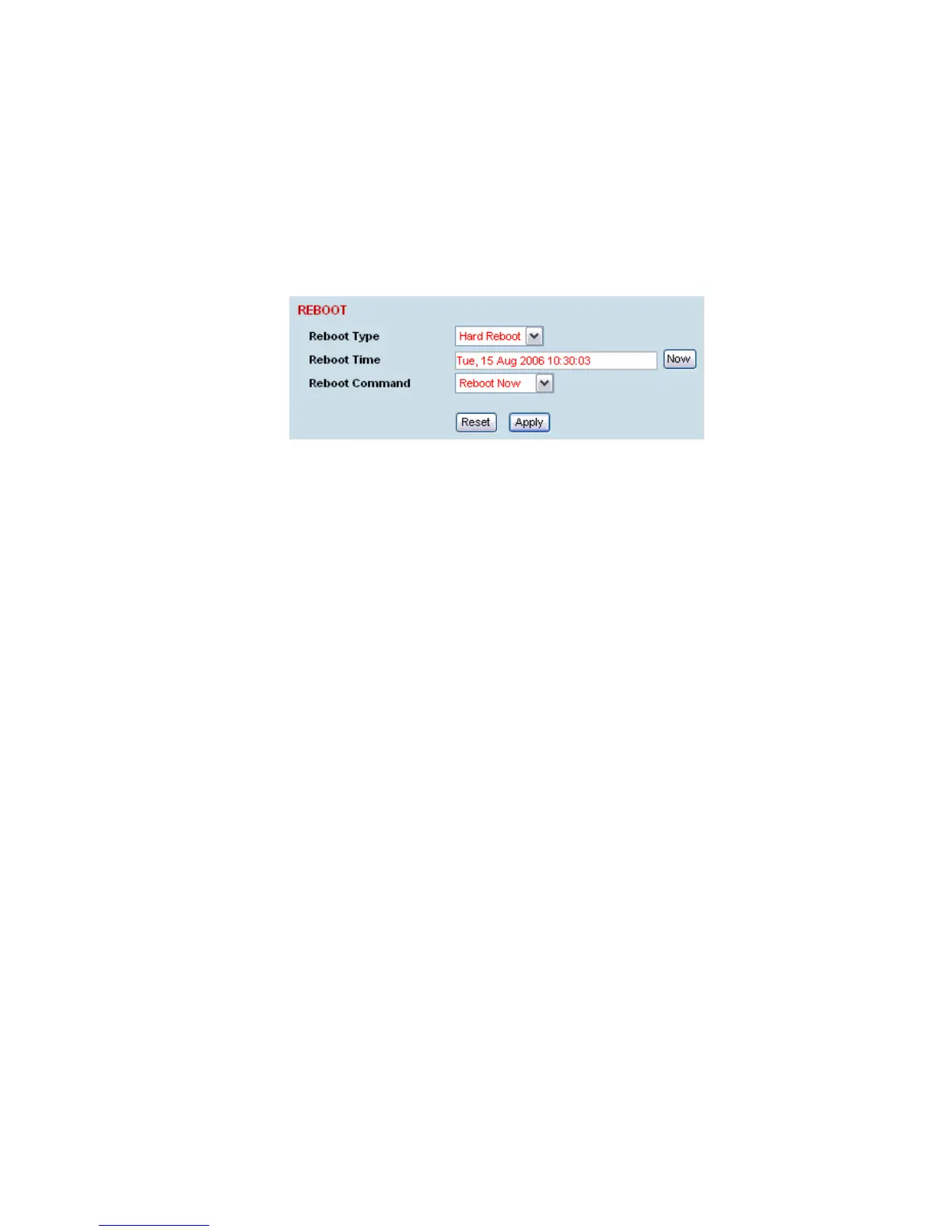
The local or remote terminals can be rebooted by SuperVisor.
You can specify a ‘Soft Reboot’ which reboots the terminal without affecting traffic or a ‘Hard Reboot’
which reboots the terminal (similar to power cycling the terminal).
You can specify an immediate reboot or setup a reboot to occur at a predetermined time.
To reboot the terminal:
1. Select Link or Local or Remote > Maintenance > Reboot.
2. Select the Reboot Type field:
None:
Do nothing.
Soft Reboot:
Reboots the software but should not affect customer traffic.
Hard Reboot:
Reboots the systems and affects customer traffic.
3. Select the Reboot Command field:
None:
Do nothing.
Reboot Now:
Execute the selected reboot now.
Timed Reboot:
Set the Reboot Time field to execute the selected reboot at a later date and time. This feature can
be used to schedule the resulting traffic outage for a time that has least customer impact.
Cancel Reboot:
Cancel a timed reboot.
4. Click Apply to execute the reboot or Reset to restore the previous configuration.



 To Next Page