Cross Connections | 139
Selecting and mapping bits and timeslots
This section describes how to select and map:
a single bit
multiple bits
a 64 kbit/s timeslot
multiple timeslots
Selecting a single bit
Each timeslot is represented by 8 rectangles (each representing a single bit). Each bit can carry 8
kbit/s.
One or more consecutive bits can be selected in a timeslot if a rate of greater than 8 kbit/s is required.
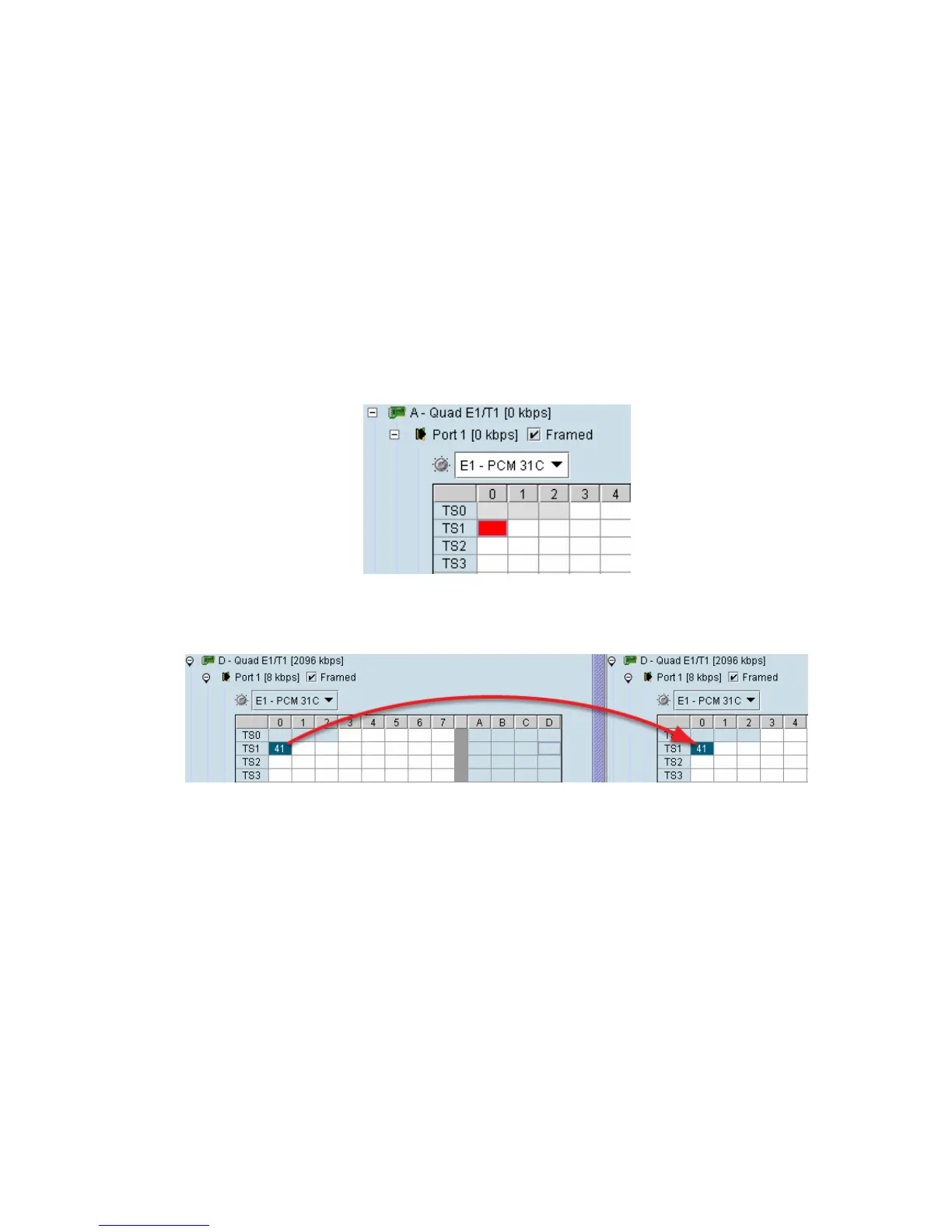
1. Click on the rectangle that represents the bit you require. It will turn red.
2. Click and drag this bit to the rectangle representing the bit on the interface you want it to be
connected to, and release the mouse button.
The red rectangle will be replaced by the allocated connection number at each interface.



 To Next Page