Configuring the terminal | 63
Modem Performance Settings
Select Local or Remote > Performance > Summary and Quick Links of Modem Performance Settings.
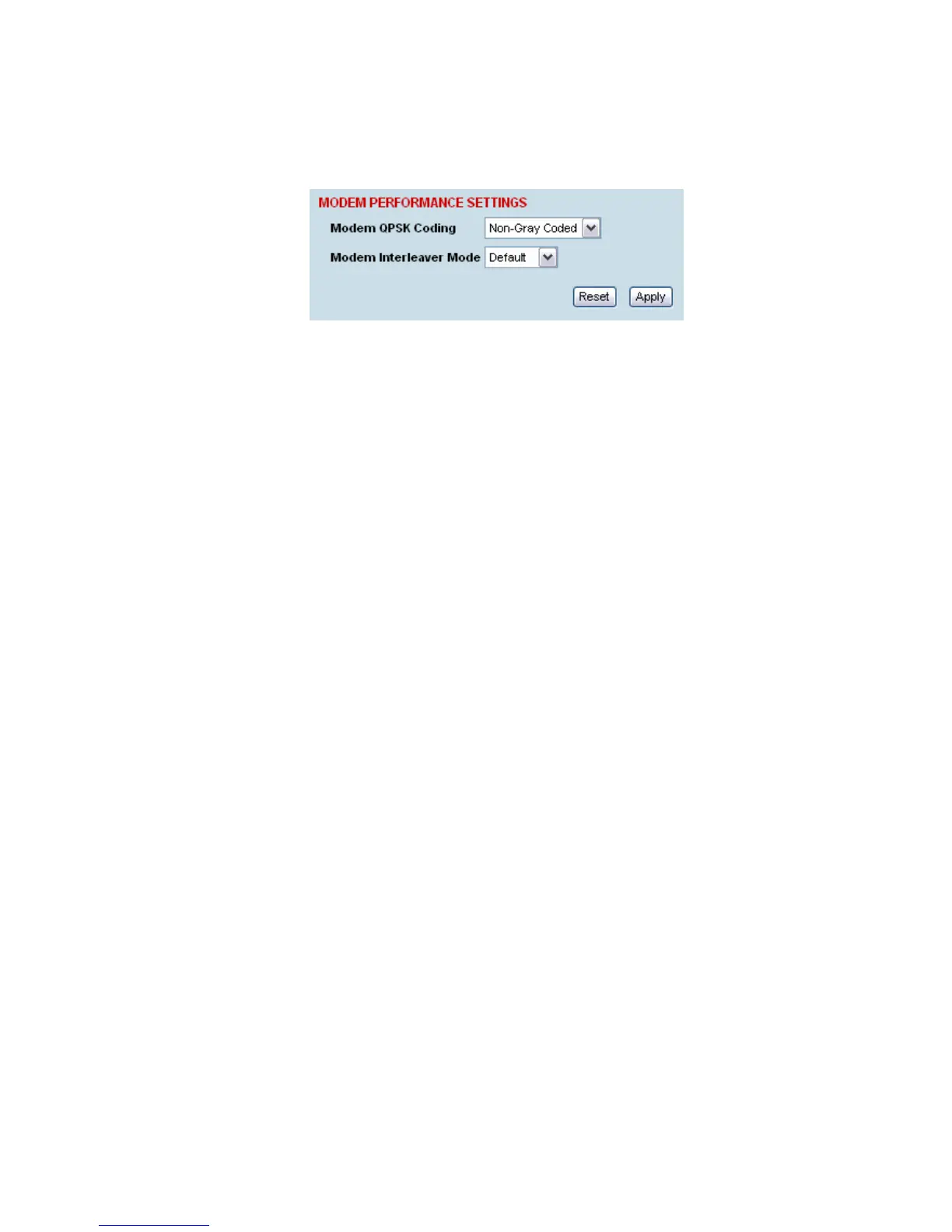
There are two Modem Performance Settings, Modem QPSK Coding and Modem Interleaver Mode.
Modem QPSK Coding
When the Modulation type is set to QPSK, the default QPSK Coding setting is ‘Non-Gray Coded’ but
the QPSK Coding can use ‘Gray Coded’ for interoperability with older hardware.
Modem Interleaver Mode
The Modem Interleaver improves modem bit error rate but increases the end to end link delay so the
Modem Interleaver should be enabled where a low bit error rate is required and disabled where a low
end to end link delay is required.
The ‘Default’ Modem Interleaver Mode setting is on for channel sizes of 250 kHz and greater and off
for channel sizes of 200 kHz and less. The specification of End to End Link Delay for both interleaver
on and off is given in “
System performance specifications” on page 238.
When you change the Modem Interleaver Mode in an operational terminal, traffic across the link will be
interrupted
Both terminals must be set to the same Modem Interleaver Mode.



 To Next Page