Troubleshooting | 207
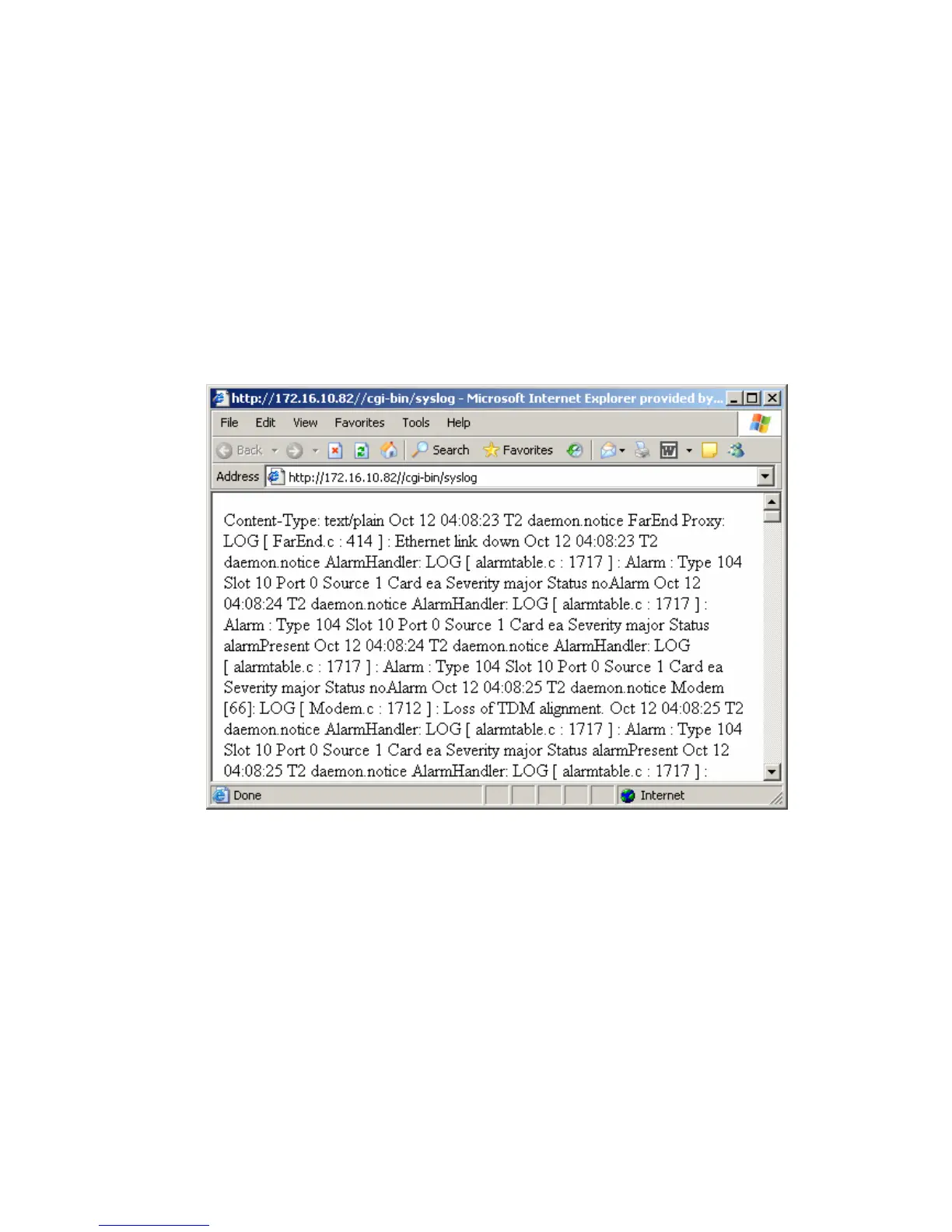
System log
SuperVisor automatically keeps a log, known as 'syslog', which captures all alarms, errors and events
for each terminal.
You can specify that the ‘syslog’ is saved to a particular file (see "
6Setting up for remote logging” on
page
209). You can then email this file to customer service, if requested, to enable them to fault-find
more accurately.
Checking the syslog
To view the Syslog:
1. Select Local > Performance > Logging > Syslog.
This opens a new window:



 To Next Page