Troubleshooting | 208
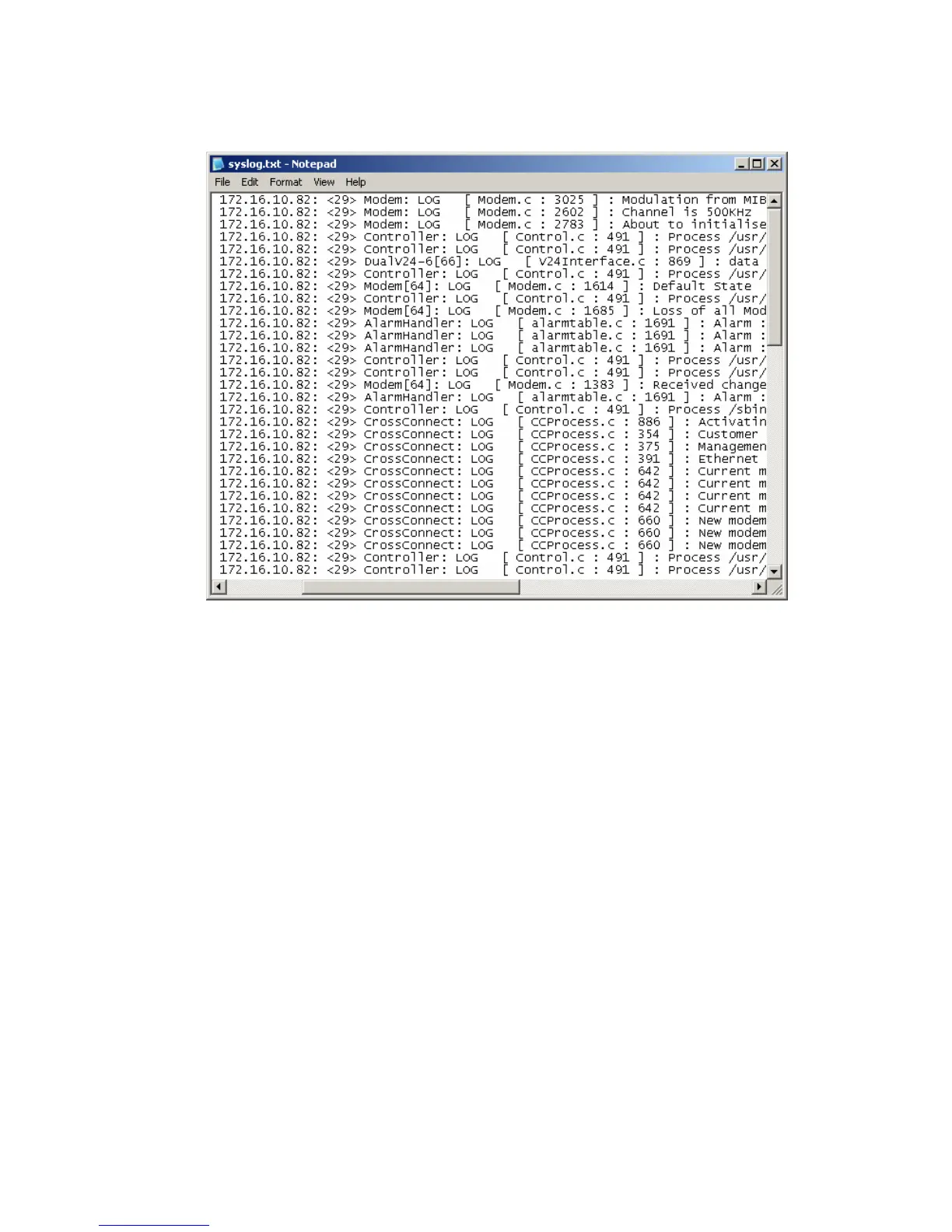
2. The system log is quite hard to decipher in Internet Explorer. If you're using Internet Explorer,
select View > Source, which opens the file in a more legible layout in Notepad (see illustration
below). Save or print this file, as required.
3. If you want to save the system log, you can save it from within Notepad (or Internet Explorer).
Select File > Save As. Navigate to where you want to save the file. Enter a meaningful filename
and select 'Text File' from the Save As Type drop-down list. Click Save.
You can specify that this file is automatically saved to a computer (see "6Setting up for remote logging”
on page
209).



 To Next Page