Maintenance | 187
Viewing the image table
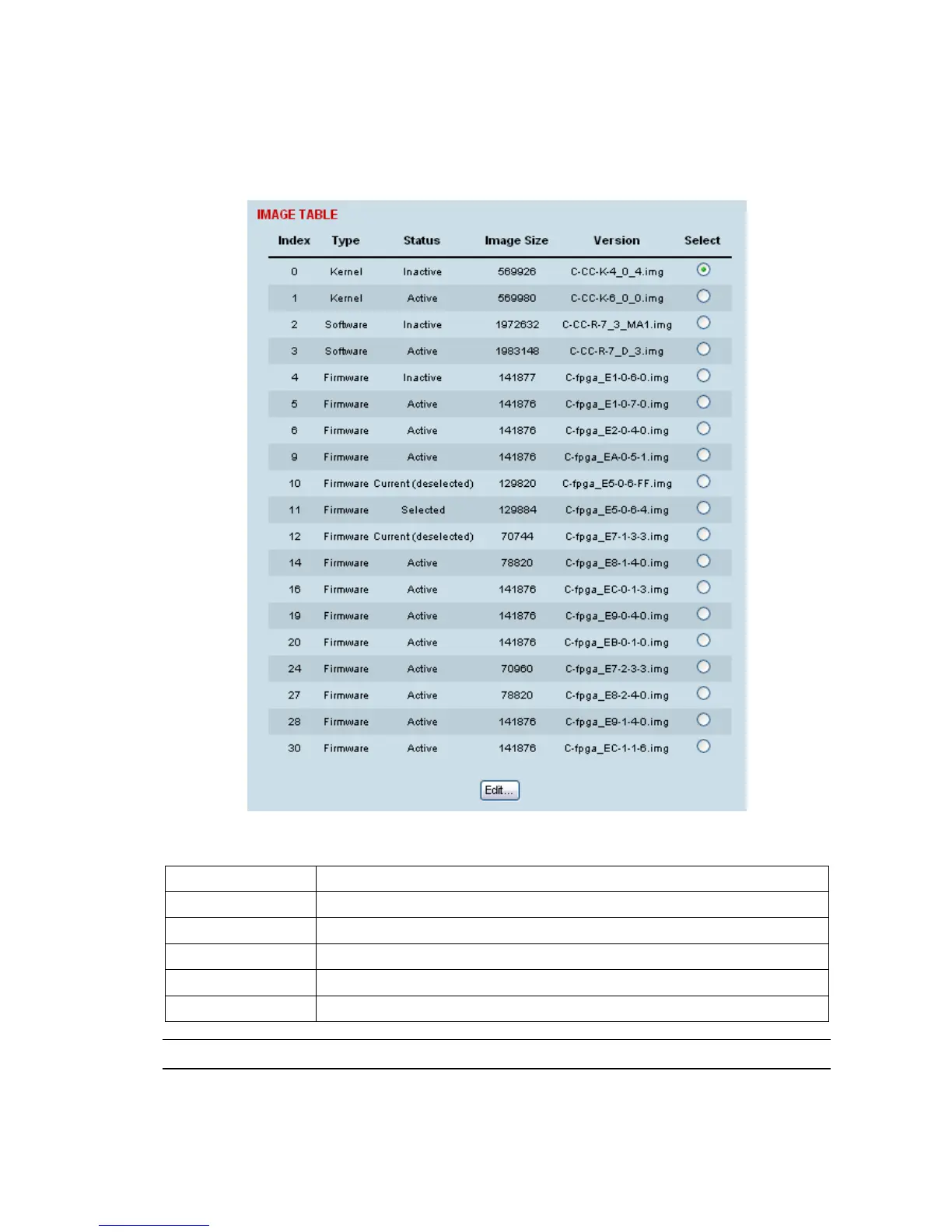
To view the image table:
1. Select Link or Local or Remote > Maintenance > Image Table.
The image table shows the following information:
Heading Function
Index A reference number for the image file
Type The image is not currently being used by the system and could be deleted.
Status The status of the image; 'Active', 'Inactive', ‘Selected’, ‘Current (de-selected)’
Image Size The image file size
Version The image file name and version details
Note: Configuration file details do not appear in the image table.



 To Next Page