Cross Connections | 126
Setting card types
Note: You only need to do this when creating configurations offline (that is, there is no connection to
the terminal). When you are connected to the terminal, the Cross Connections application
automatically detects the card types fitted in the terminal slots.
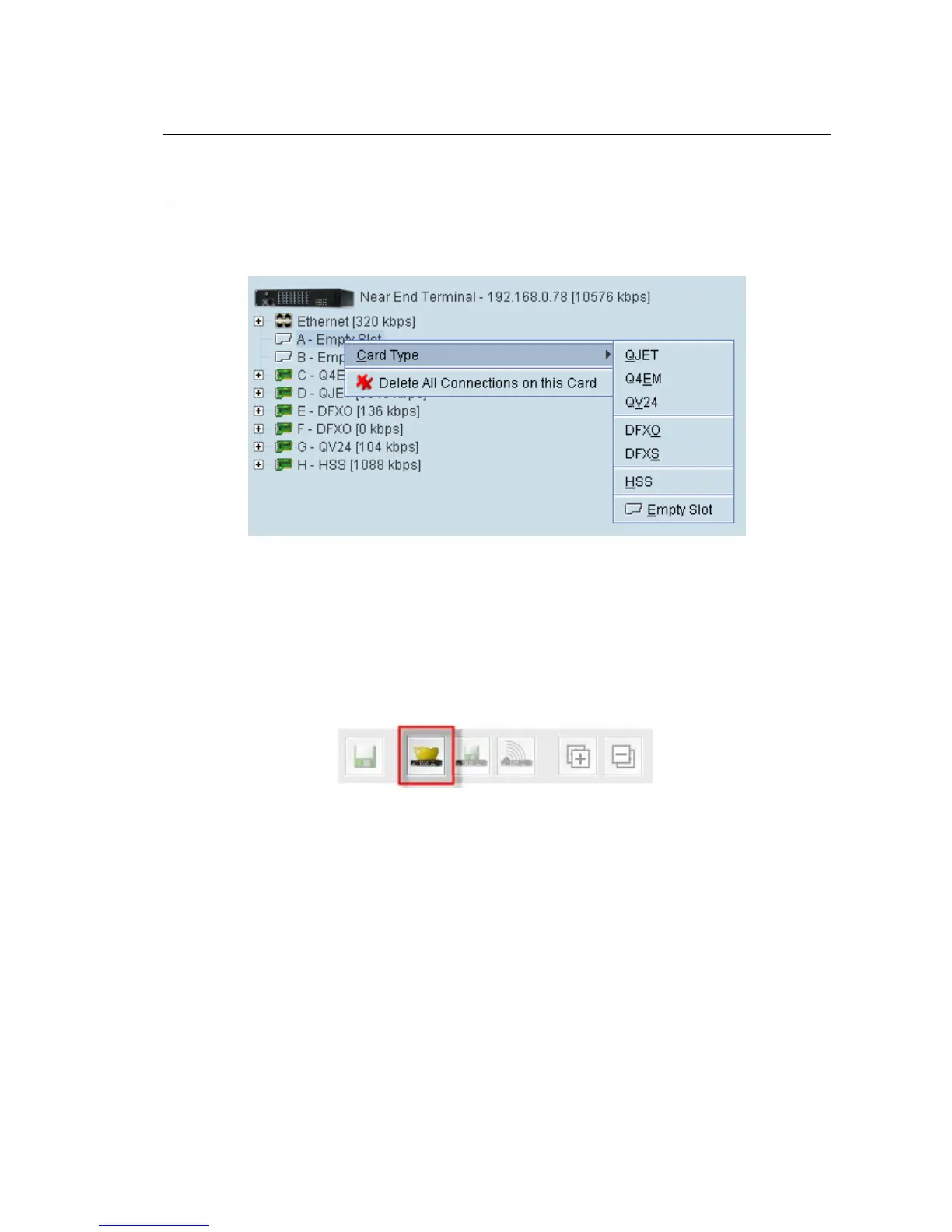
You can specify the card type for any of the slots (A-H).
1. Right-click a slot.
2. Select Card Type and then select the interface card.
Getting cross connection configuration from the terminals
You can get the entire existing cross connection configuration from the terminals.
1. Download the existing cross connections (if any) from the local and remote terminals by clicking
‘Get cross connection configuration from terminal’.



 To Next Page