Troubleshooting | 202
Viewing interface alarms
To view the alarms for a particular interface:
1. Select Link or Local or Remote > Interface > Interface Summary.
2. Select the desired interface card slot from the Interface Summary and click Alarms.
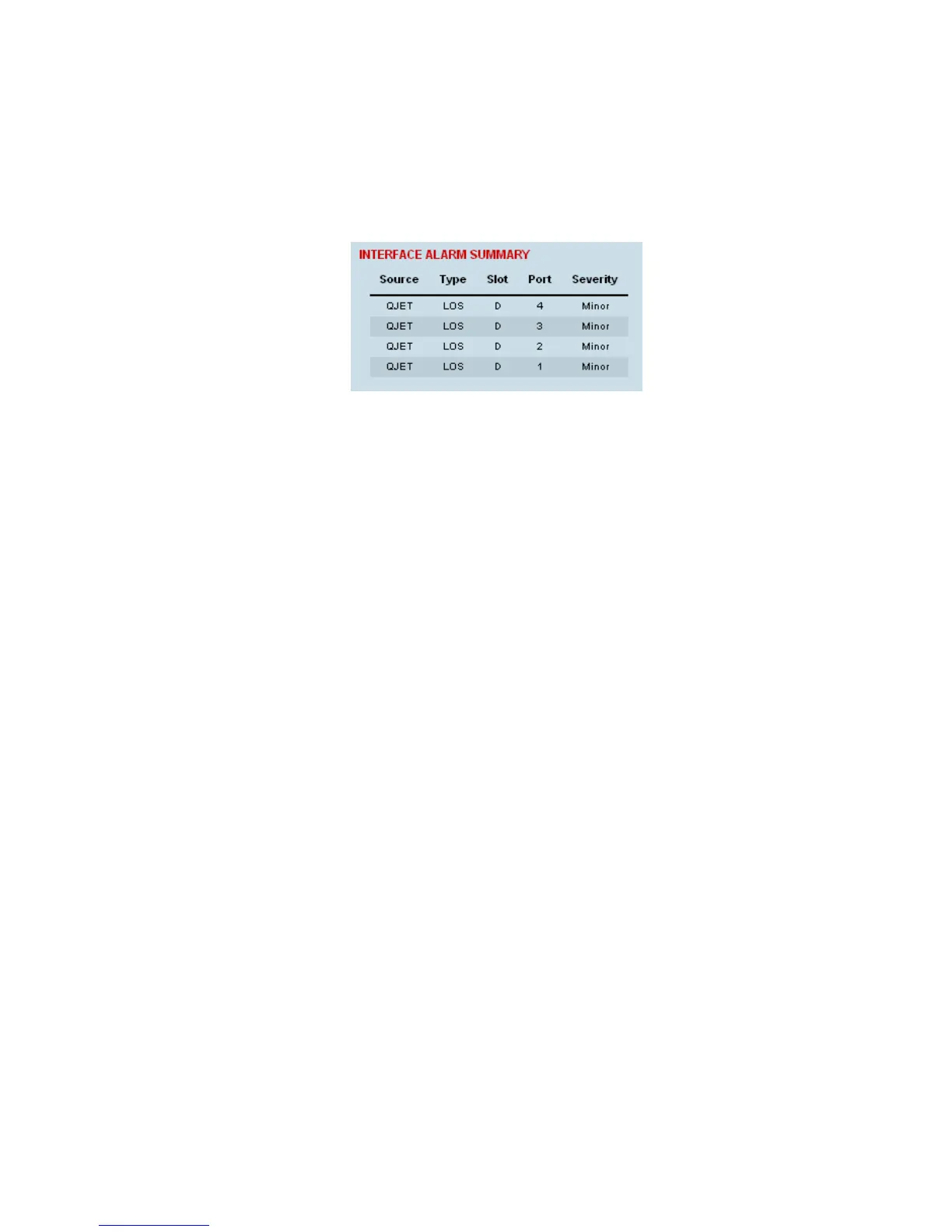
This opens a page as shown below with a summary of the alarms on the interface card:
The following fields are displayed:
Source: The type of interface card that generated the alarm
Type: The type of interface alarm
Slot: The slot of the interface card that generated the interface alarm
Port: The port that generated the interface alarm
Severity: Whether the interface alarm was major or minor
3. Return to the Interface Summary page by either selecting Options > Interface Summary or clicking
Back in the browser window.



 To Next Page