Configuring the terminal | 68
SNMP access controls
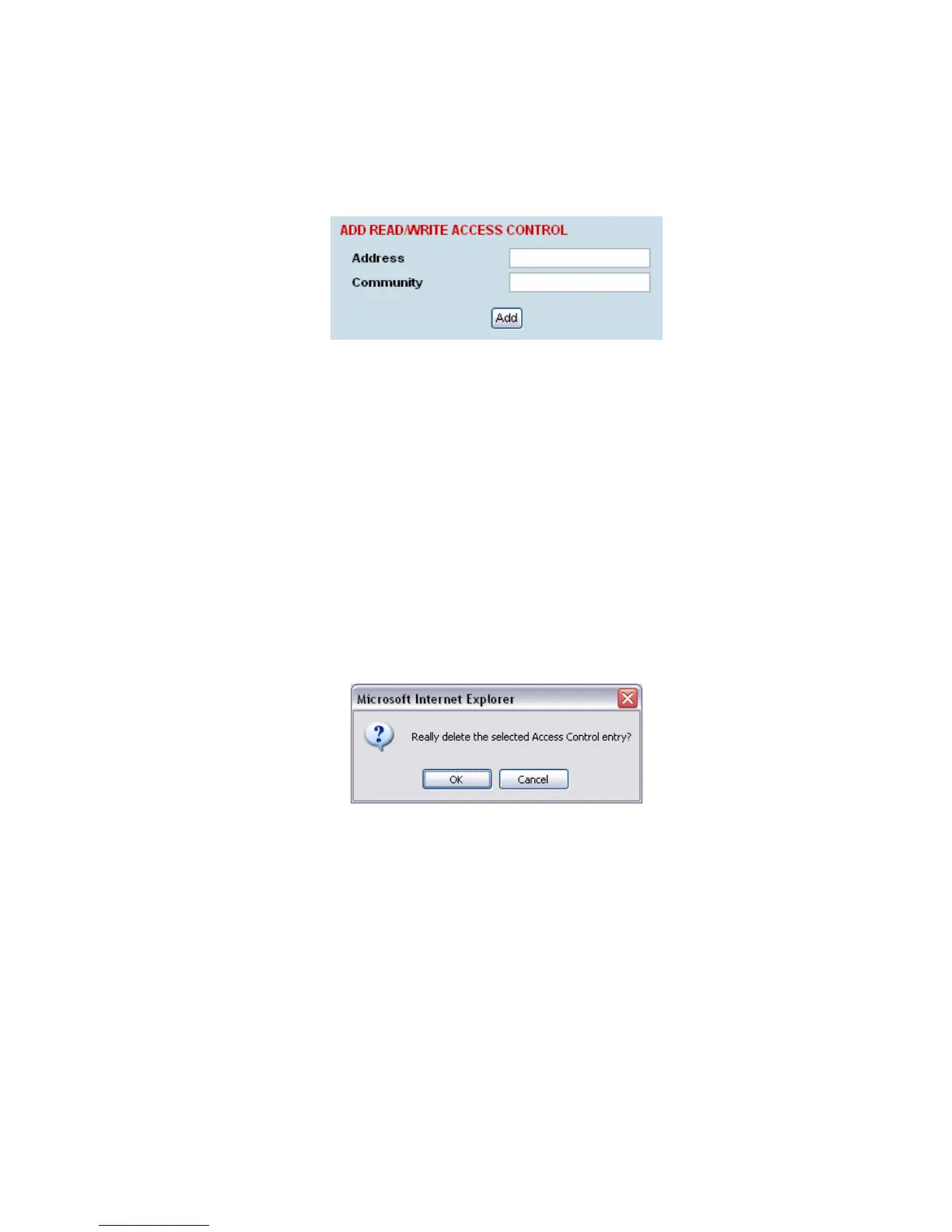
To add an access control:
1. Click on the ‘Add Read Only’ button to enter a Read Only access control or click on the ‘Add
Read/Write’ button to enter a Read/Write access control.
2. Enter the IP address of each SNMP manager allowed access to the terminal (read/write access
control shown). The IP address entered must be a valid dot delimited IP address.
Entering an IP address of ‘Any’ or
*
will allow any IP address access to the terminal.
3. Enter the community string for the access control.
The Community string is usually different for Read Only and Read/Write operations.
There is no default 'public' community string for an access control, but a 'public' community string
can be entered which will have full MIB access, including the 4RF MIB.
4. Click Add.
To delete an access control:
1. Select the access control you want to delete and click Delete.
2. Click OK to delete the access control or Cancel to abort the delete.



 To Next Page