Configuring the terminal | 64
Entering terminal information
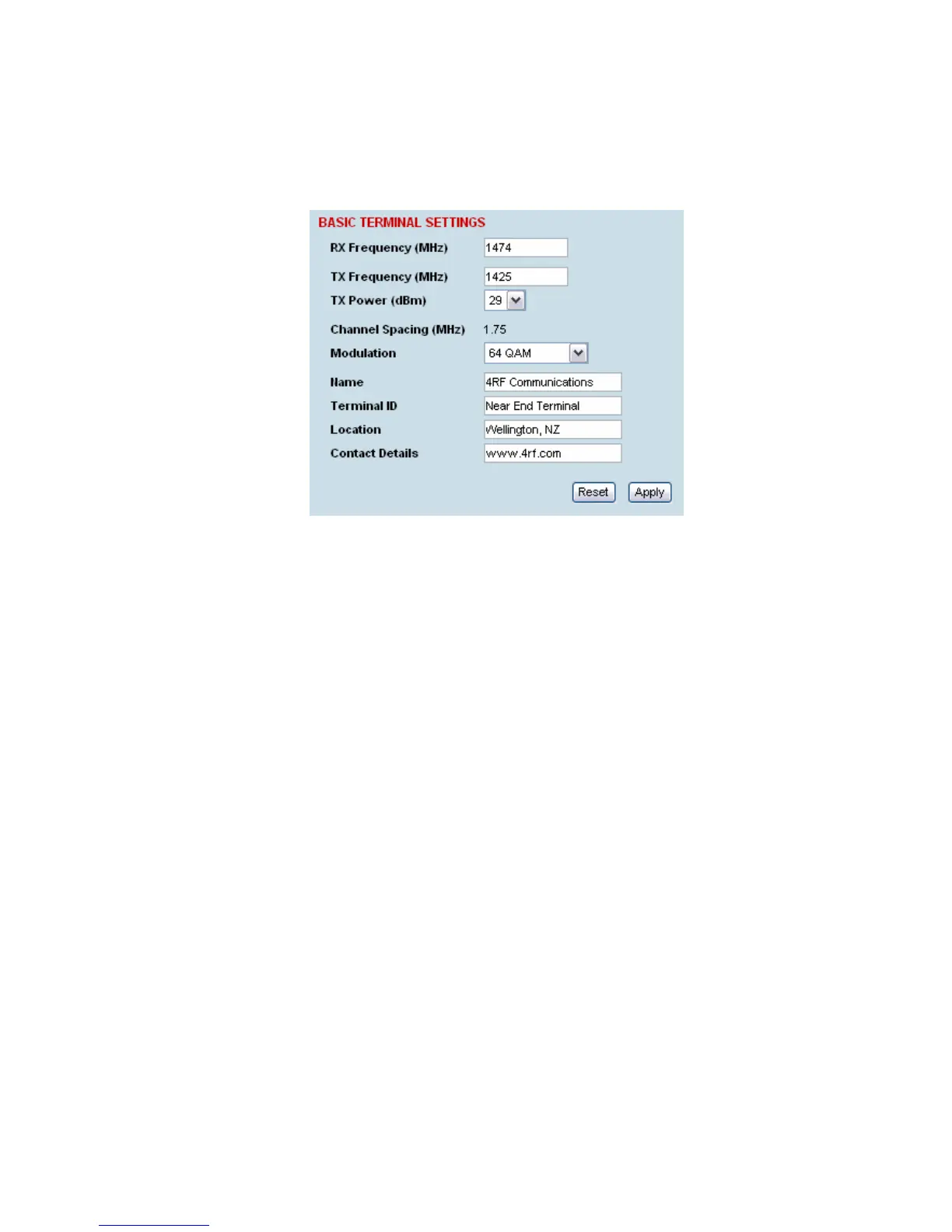
To enter basic terminal information:
Select Link or Local or Remote > Terminal > Basic
Terminal Information
1. Enter the terminal Name. This appears in the Terminal status and menu bar at the top of every
page.
2. Enter a unique Terminal ID.
3. Enter the Location of the terminal.
4. Enter a contact name or an email address in Contact Details. The default value is
‘support@4RF.com’.
5. Click Apply to apply changes or Reset to restore the previous configuration.



 To Next Page