Maintenance | 188
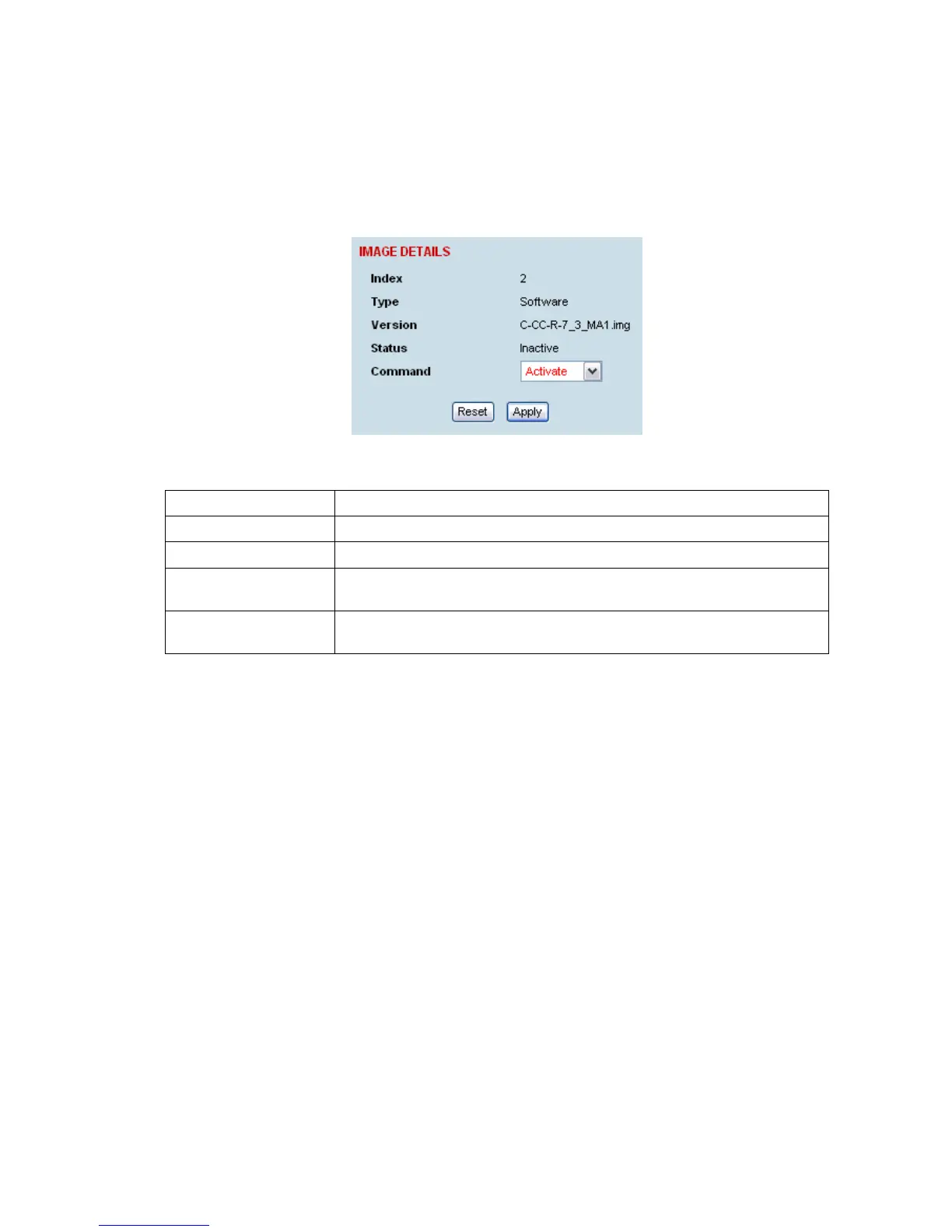
Changing the status of an image file
To change the status of an image:
1. Select Link or Local or Remote > Maintenance > Image Table.
2. Select the image you wish to change and click Edit.
3. On the Image Details, select the status from the Command drop-down list and click Apply.
Status Function
Active The image is currently being used by the system.
Inactive The image is not currently being used by the system and could be deleted.
Selected The image is not currently being used by the system but has been
activated and will become active following a terminal reboot.
Current (deselected) The image is currently being used by the system but as another image has
been selected, it will become inactive following a terminal reboot.



 To Next Page