Managing the terminal | 55
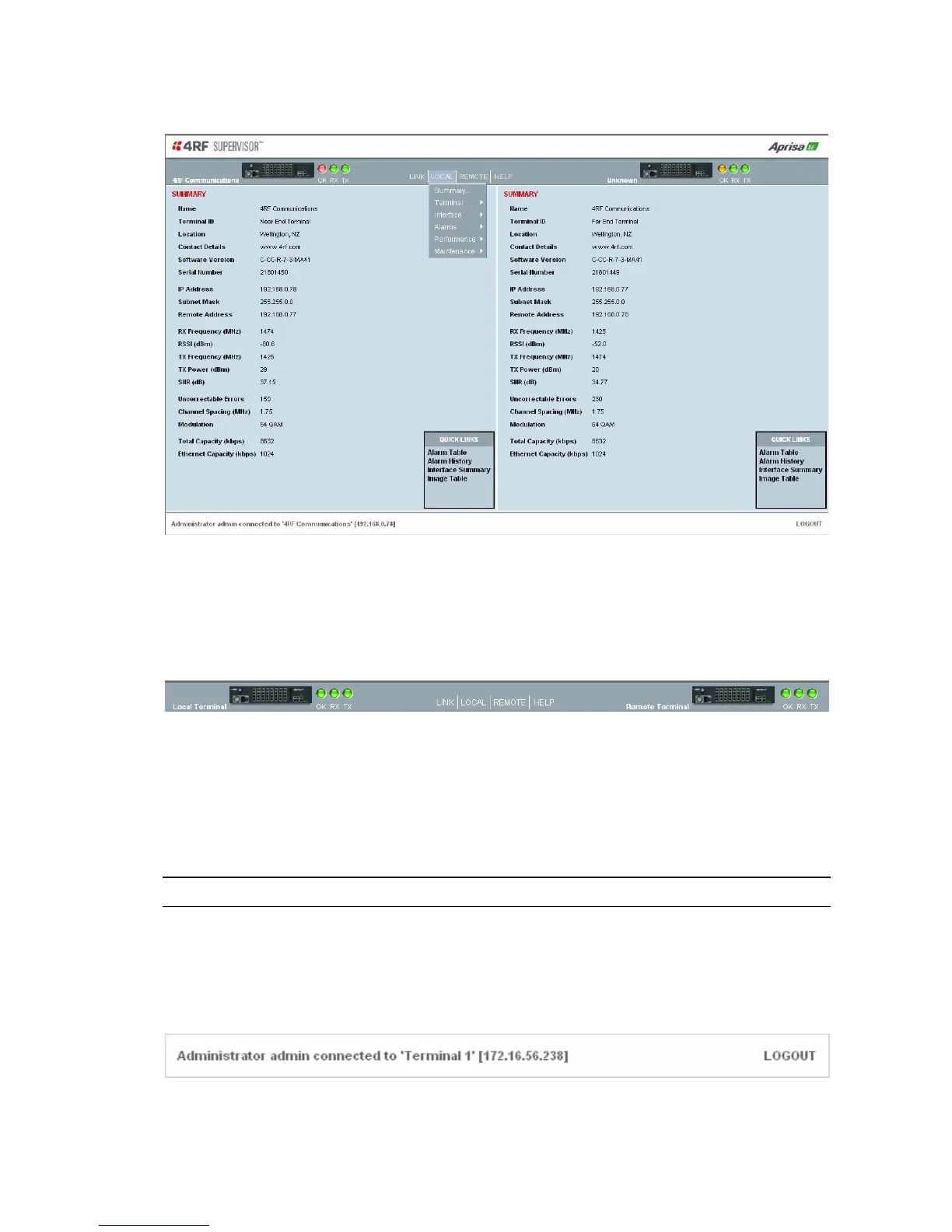
SuperVisor opening page
SuperVisor terminal status and menu bar
The terminal status and menu bar at the top of the screen shows the name of the terminal and three
status indicators for both the local and remote terminals. The indicators reflect the status LED
indicators on the front panel of terminal.
There are four menus available:
Link - menu options for both terminals in a link
Local - menu options for the local terminal in a link
Remote - menu options for the remote terminal in a link
Help - provides details about the terminal
Note: The local terminal is the terminal that you are logged into.
SuperVisor summary bar
The summary bar at the bottom of the screen shows the login name of the person currently logged in
together with the name of the local terminal and its IP address.



 To Next Page