Configuring the terminal | 71
Setting the terminal clock sources
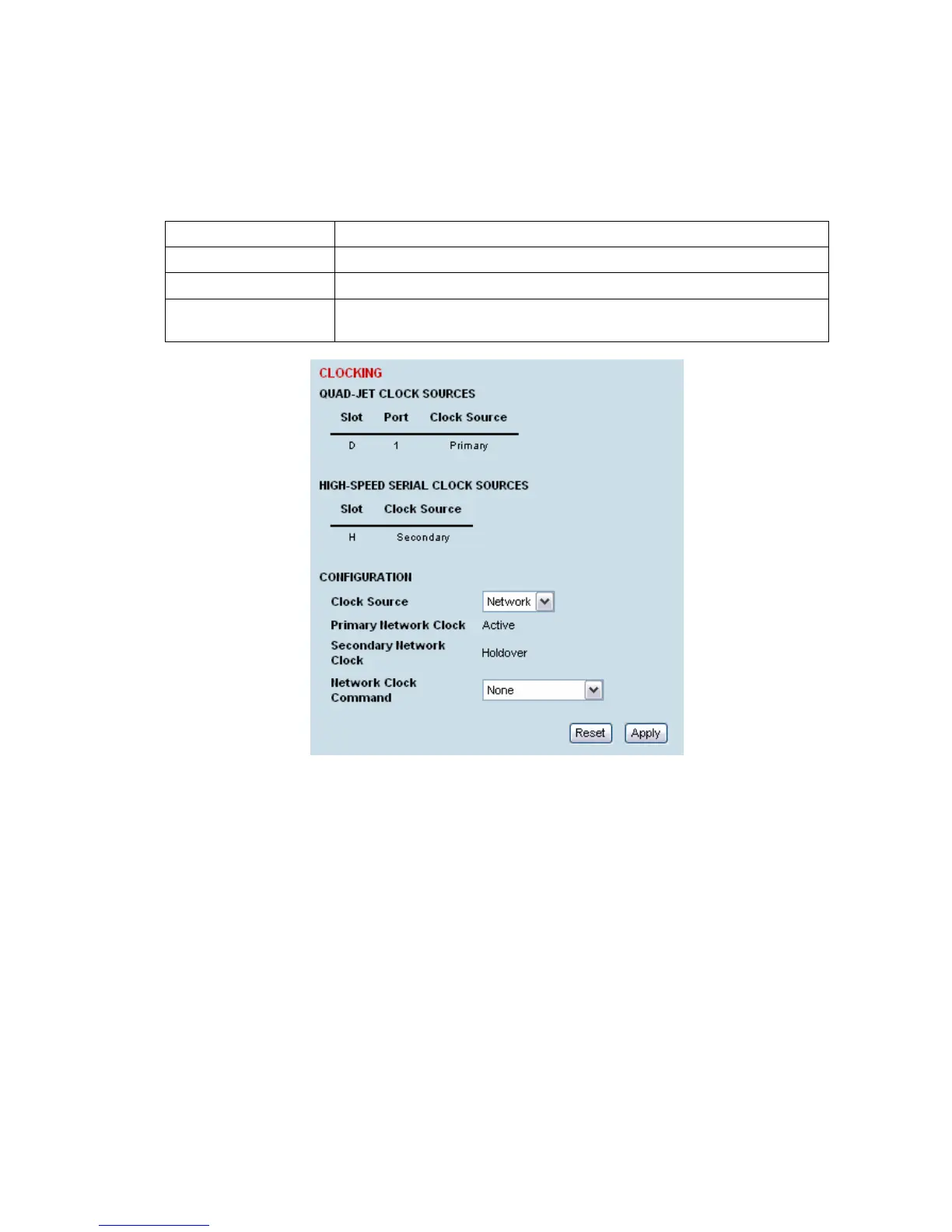
Select Link or Local or Remote > Terminal > Clocking
The current selected clock source and the current states of the primary and secondary network clocks
are shown:
Clock State Clock State Description
Inactive This clock source is either not configured at all, or is not in current use
Active This clock source is providing the clocking for the terminal
Holdover This clock source is nominated as Primary or Secondary but is currently
unavailable, due to a problem with the interface.
You can select which traffic interface ports are nominated as Primary or Secondary Clock sources in
the configuration for the relevant interface ports (see "
Configuring the traffic interfaces" on page 77).
The failure of both Network Clock sources results in a major alarm. This situation should be attended
to promptly.



 To Next Page