Cross Connections | 132
Deleting cross connections
Note: It is not possible to delete the management and user Ethernet cross connections. These are
made automatically and are required for correct terminal operation.
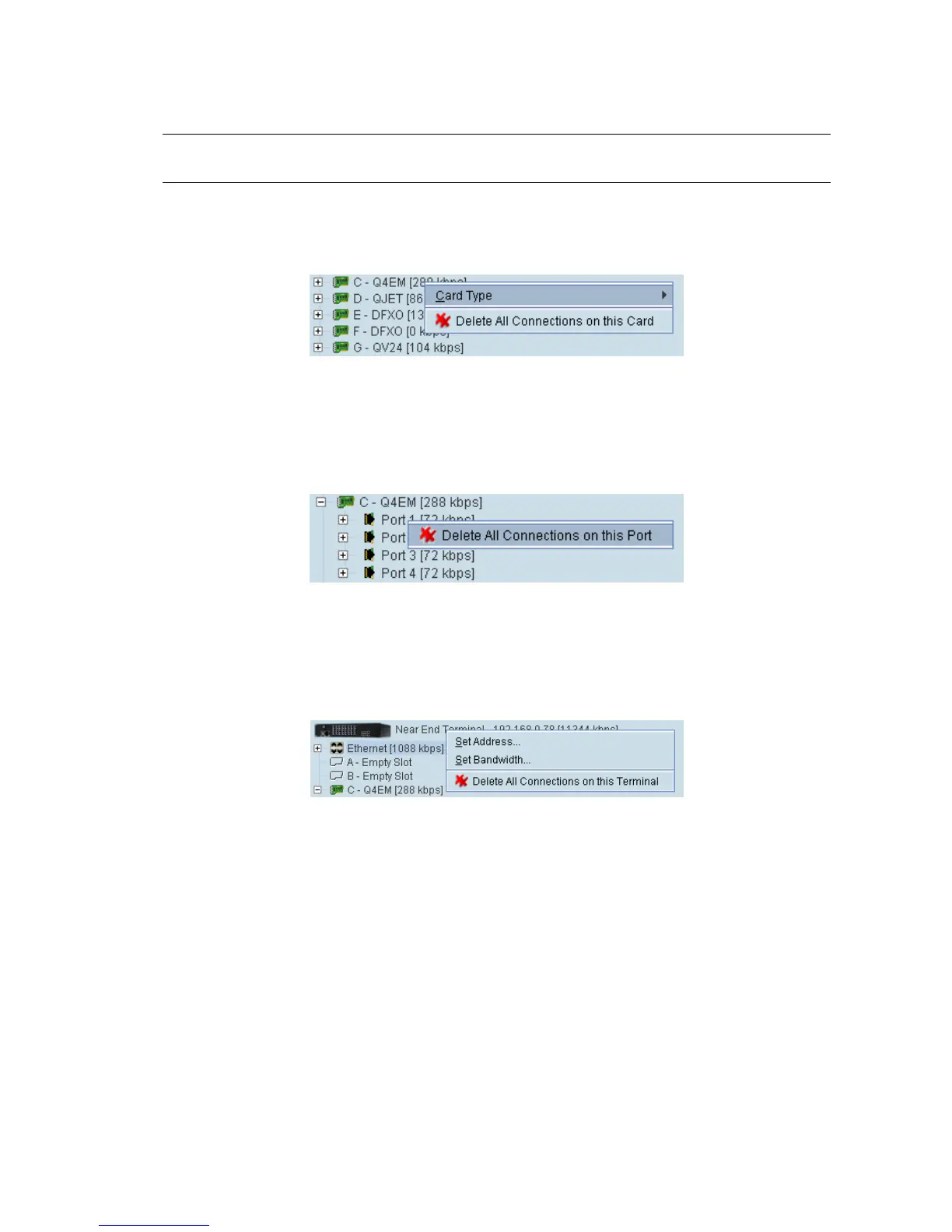
To delete cross connections for an interface card:
1. Right-click over an interface card.
2. Select Delete All Connections on this Card.
To delete the cross connections associated with a particular port:
1. Right-click over a port.
2. Select Delete All Connections on this Port.
To delete all the cross connections for a terminal:
1. Right-click over the terminal name and IP address.
2. Select Delete All Connections on this Terminal.



 To Next Page