Configuring the terminal | 73
Configuring the RSSI alarm threshold
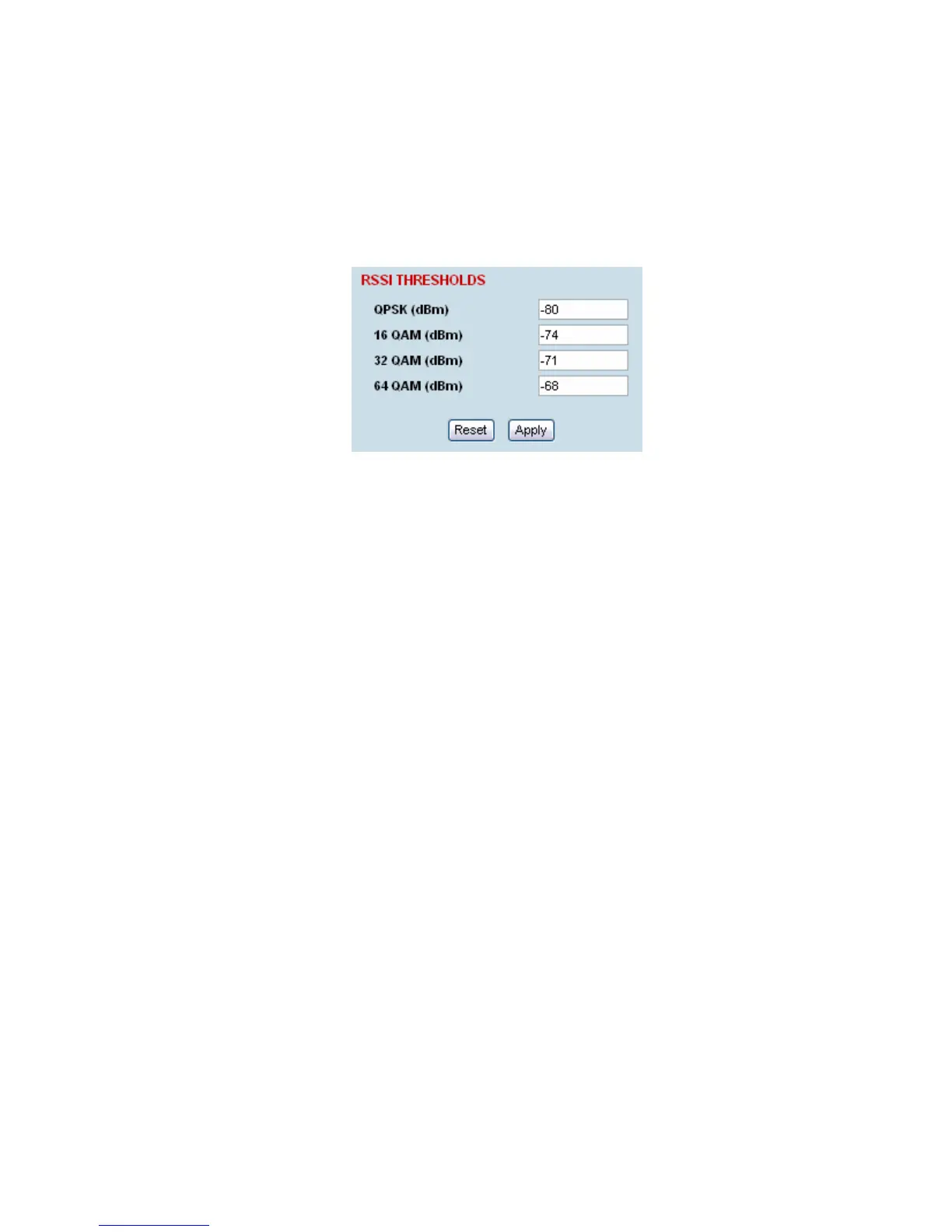
The threshold (in dB) at which the RSSI alarm activates can be set for each of the modulation types
over the adjustment range of -40 dBm to -110 dBm and the default values are as per the following
screen shot. The alarm threshold has a +1 dB hysteresis for the inactive state.
To configure the RSSI alarm threshold:
Select Link or Local or Remote > Alarms > RSSI Thresholds
1. Enter the alarm threshold required for each of the modulation types.
2. Click Apply to apply changes or Reset to restore the previous configuration.



 To Next Page