Cross Connections | 146
HSS cross connections
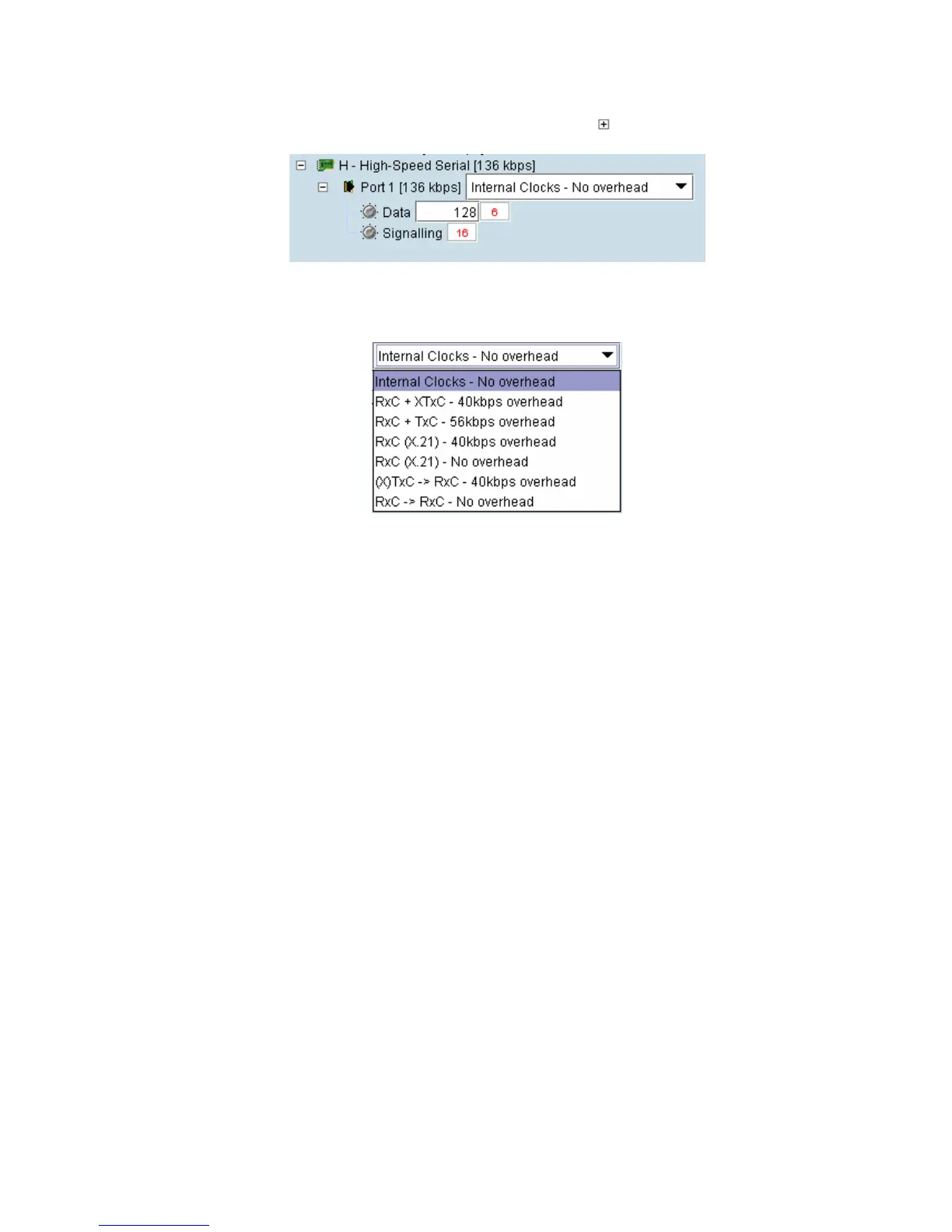
1. Expand the HSS displays, as required, by clicking the relevant icons.
2. Select the Synchronous Clock Selection mode (see “HSS synchronous clock selection modes”
on page
114).
3. Set the Data rate to a value between 8 and 2048 (in multiples of 8 kbit/s).
The net data rate available to the user is defined by Data Rate – overhead
e.g. a date rate set to 2048 kbit/s with an overhead of 40 kbit/s provides a user data rate of 2008
kbit/s
4. Drag and drop to the required partner interface to create the HSS Data connection.
If the partner interface is a QJET, select the capacity on the QJET and drag it to the HSS Data
mapping connection box.
The QJET capacity selected must be the sum of the data rate required plus the overhead rate
selected.
5. Drag and drop to the required partner interface to create the HSS Signalling cross connection. A
minimum of 8 kbit/s of capacity is required and must be set symmetrically at both ends of the link.



 To Next Page