Cross Connections | 143
Q4EM cross connections
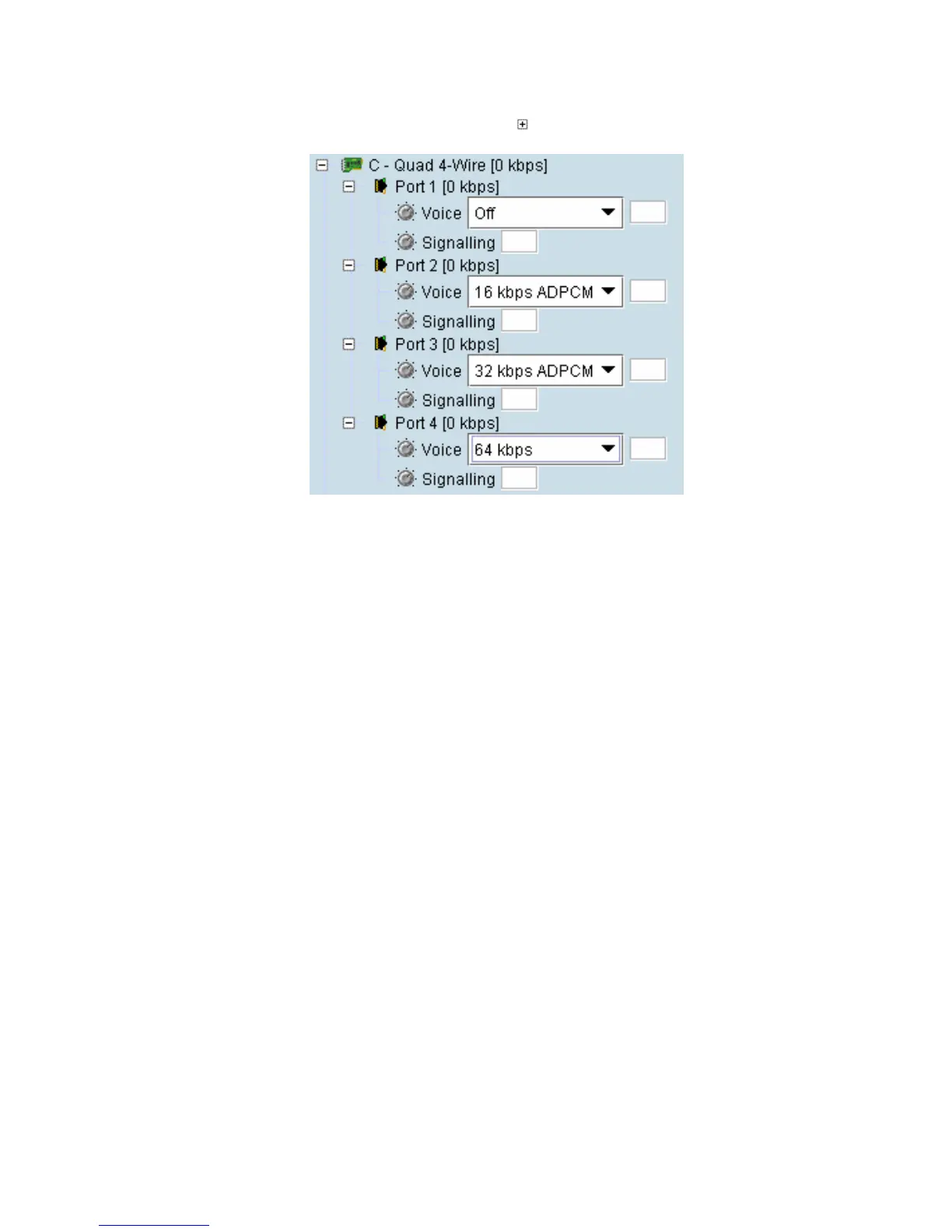
1. Expand the Q4EM display by clicking the relevant icon.
2. Set the Voice capacity by selecting 16, 24, 32, or 64 kbit/s rates.
3. Drag and drop from the Voice mapping connection box to the required partner interface to create
the voice cross connection.
4. If E&M signalling is required, drag and drop from the Signalling mapping connection box to the
required partner interface to create the E&M cross connection.



 To Next Page