Cross Connections | 149
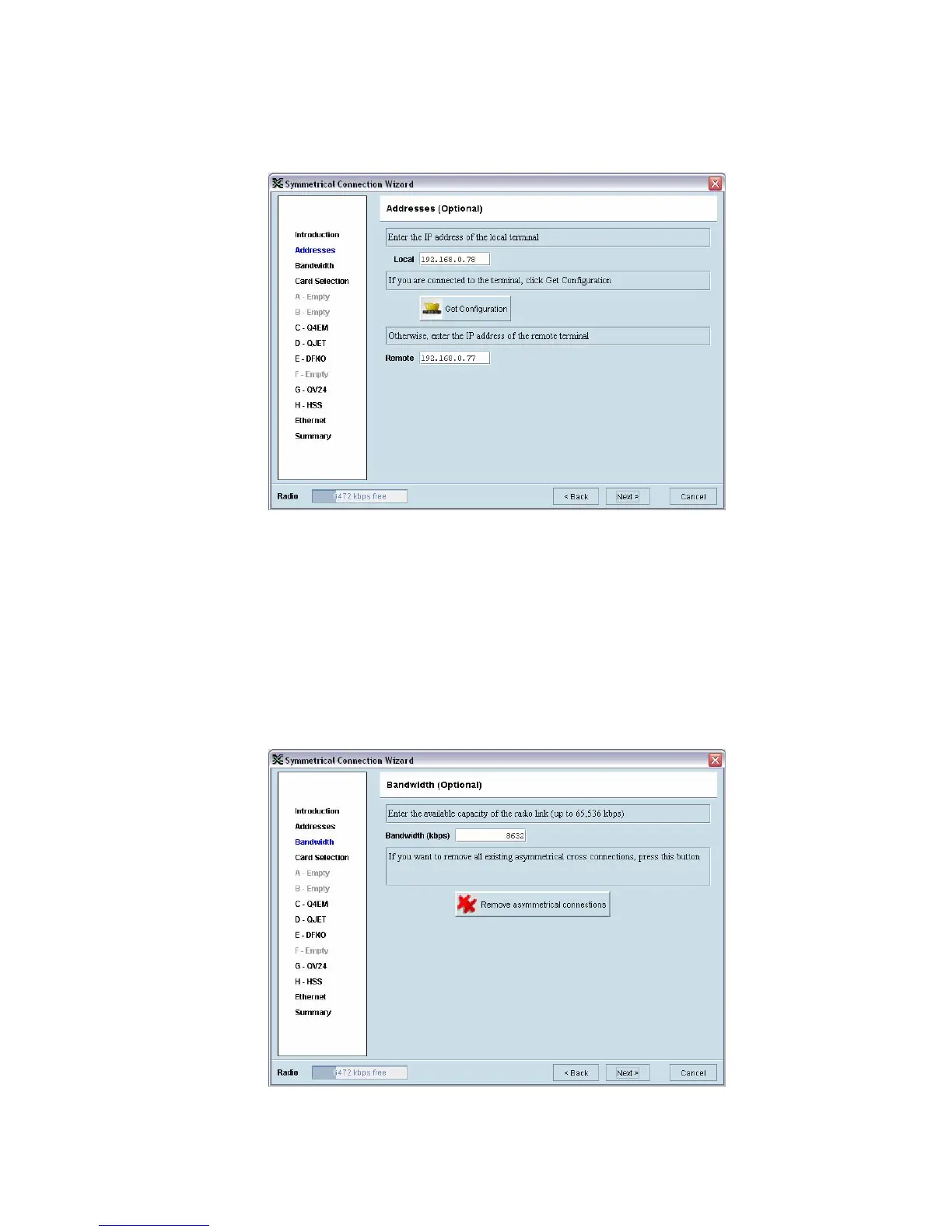
Setting the IP address
If the local or remote terminal IP addresses have been setup, they will be displayed in the Local and
Remote fields. If the IP addresses are not displayed, enter the IP addresses of the local and remote
terminals.
Click on 'Get Configuration' to upload the existing cross connections configuration from the local
terminal. The Radio bandwidth bar will show the available bandwidth and will be updated as bandwidth
is assigned to cards.
Setting the bandwidth
If the Cross Connections Application is opened from SuperVisor, the Total Capacity of the radio link
will be shown in the Bandwidth field.
If the Cross Connections Application is opened as a stand alone application, the Total Capacity of the
radio link will be need to be entered in the Bandwidth field.
The 'Remove asymmetrical connections' button will be active if there are existing asymmetrical cross
connections. If you want to remove existing asymmetrical cross connections, click on this button. The
Radio bandwidth bar will update accordingly.



 To Next Page