Maintenance | 186
Firmware image files
Firmware image files contain instructions to configure the various programmable logic elements in the
terminal. There can only ever be two firmware image files for the same HSC version in the image
table, the active and the inactive.
Firmware image filenames have the following format:
C-fpga_Ef-x-y-z.img
e.g. C-fpga_E5-0-6-4.img
where f indicates the function (motherboard, interface card, etc).
Function Number Function
1 Motherboard 1
2 Motherboard 2
5 QJET
7 Q4EM
8 DFXO
9 DFXS
A Modem
B QV24
C HSS
where x indicates the HSC (hardware software compatibility) version.
Revision Number Revision
0 revision A hardware
1 revision B hardware
2 revision C hardware
3 revision D hardware
where y indicates the firmware major revision number
where z indicates the firmware minor revision number
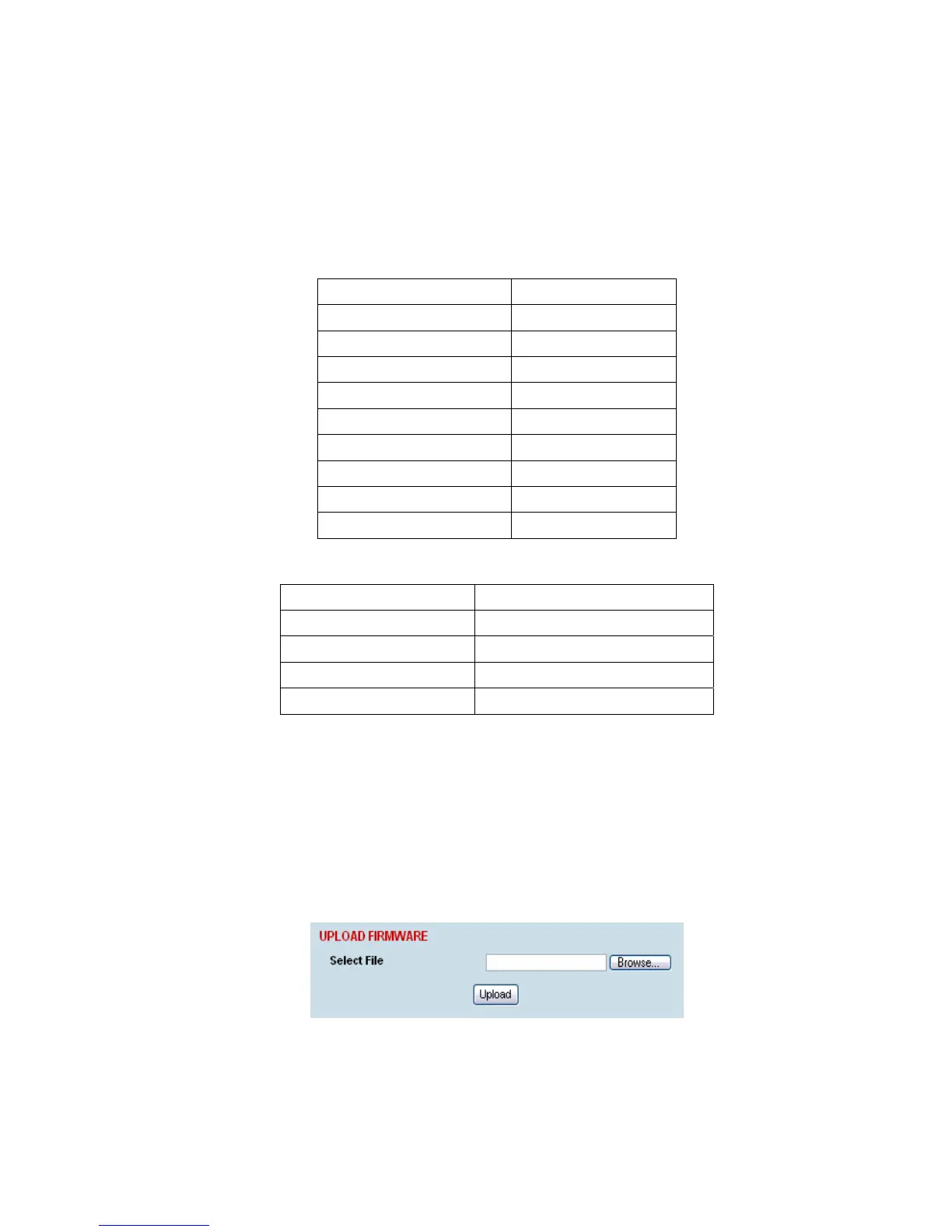
To upload a firmware image file;
1. Select Local > Maintenance > Upload > Firmware
2. Browse to the location of the file required to be uploaded into the terminal *.img.
3. Click on Upload.
4. Activate the image (see “Changing the status of an image file” on page 188).
5. Reboot the terminal using a ‘Hard Reboot’ (see “Rebooting the terminal” on page 189).



 To Next Page