Cross Connections | 140
Selecting multiple bits
It is possible to select multiple consecutive bits if circuit capacity of greater than 8 kbit/s is required.
1. Click the first bit, and then hold down the Ctrl key while selecting the remaining bits.
2. Click and drag the whole block by clicking the bit on the left hand side of your selection, and drag
to the required interface. Release the mouse button.
Tip: It is also possible to select multiple bits by holding down the Shift key, and dragging across
the required rectangles.
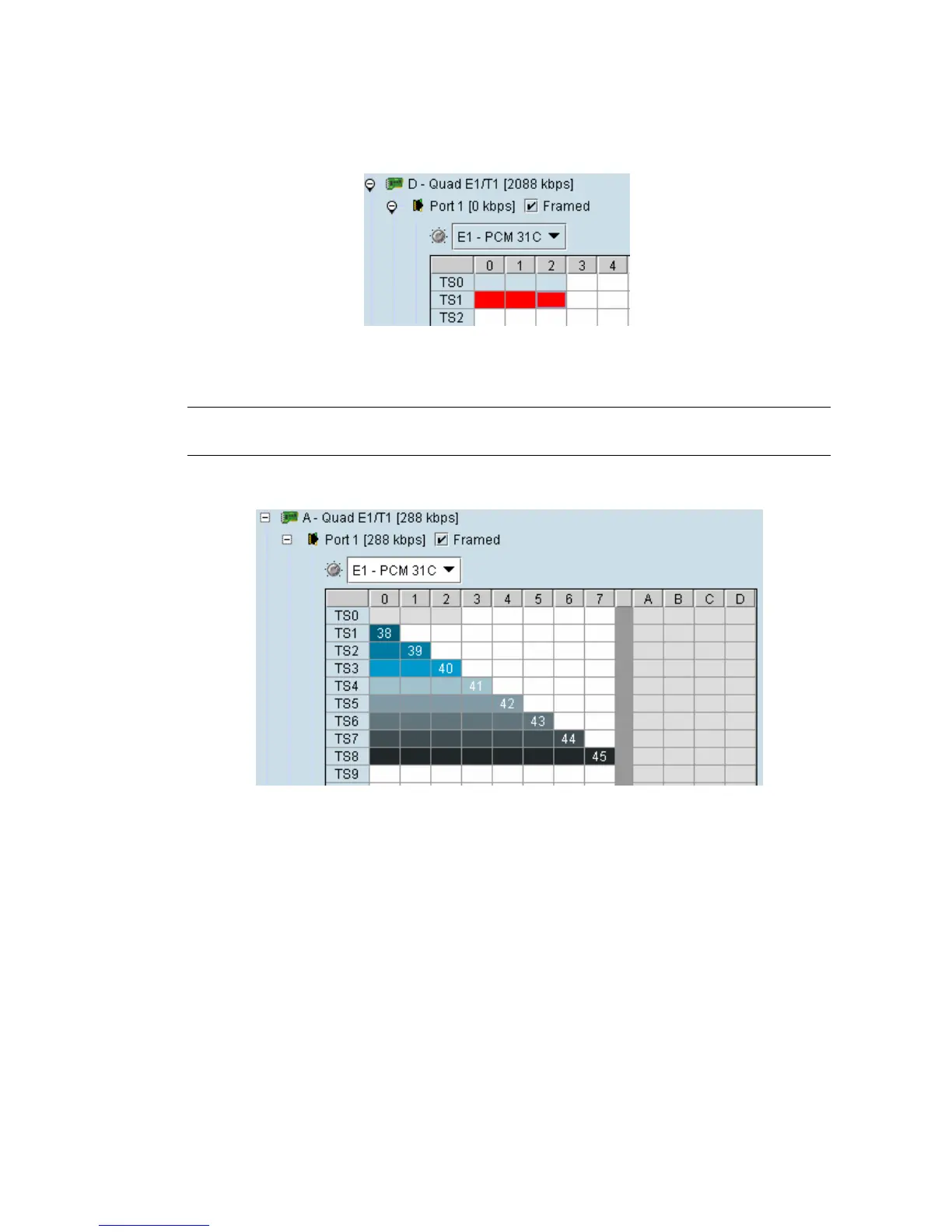
Differing numbers of bits display in different colors when the cross-connect is completed:



 To Next Page