Troubleshooting | 210
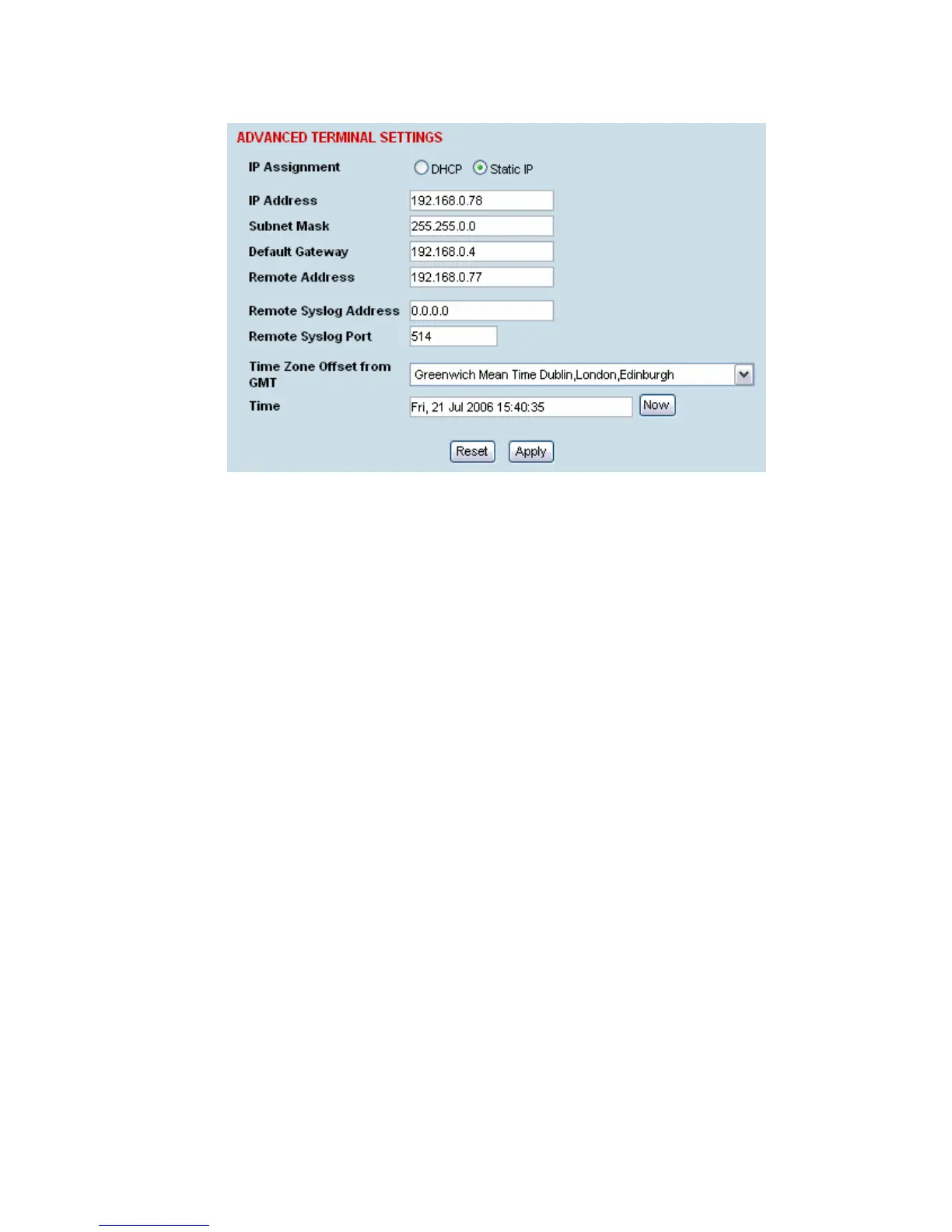
7. In SuperVisor, select Link or Link or Local or Remote > Terminal > Advanced.
8. In the Remote Syslog Address field, enter the IP address of the PC on which the Syslog server is
running.
9. In the Remote Syslog Port field, enter 514.
10. Reboot the terminal (Link or Local or Remote > Maintenance > Reboot).
11. Open the directory where the system logs are being saved to. You should see a file called
syslog.txt.



 To Next Page