Managing the terminal | 52
To get or set the IP address of a terminal using setup
To get the IP address of a terminal using setup:
1. At the prompt, type 1 and enter.
The following information appears:
the IP addresses of the local and remote terminals
the subnet mask and gateway of the local terminal
the TFTP of the remote terminal
To set the IP address of a terminal using setup:
1. At the prompt, enter 1.
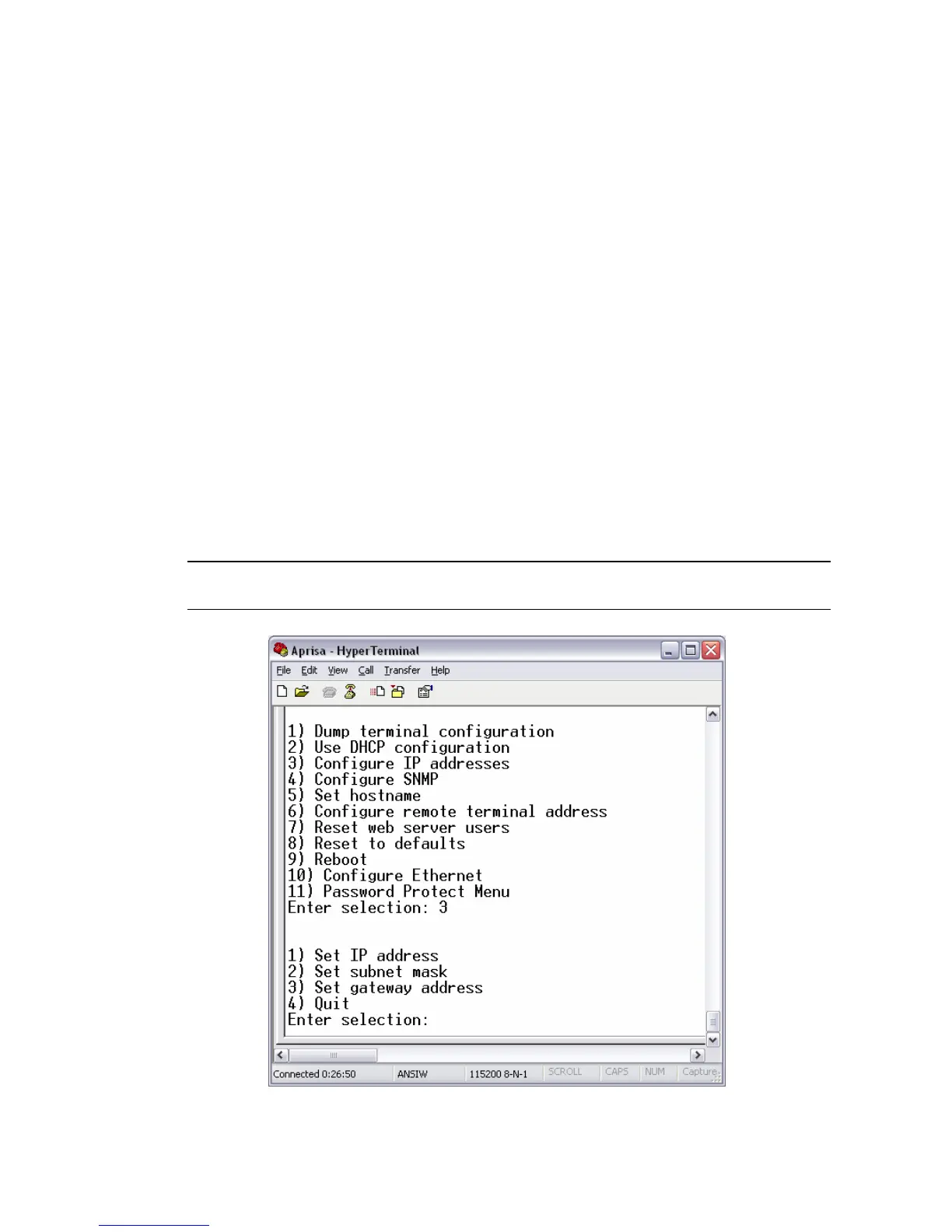
2. Enter 3 to configure the local terminal IP address.
Set the following for the terminal using the standard format xxx.xxx.xxx.xxx:
1) IP address
2) Subnet mask
3) Gateway address
3. Enter 4 (Quit) to return to the main menu.
4. Enter 6 to configure the remote terminal IP address.
Important: You must ensure that the IP addresses of the local and remote terminals are on the
same subnet as the PC being used to configure the terminals.
5. Enter 4 (Quit) to return to the main menu.
6. Enter 9 (Are you sure y/n) to reboot the terminal.



 To Next Page