Configuring the traffic interfaces | 84
Configuring the Ethernet ports for QoS
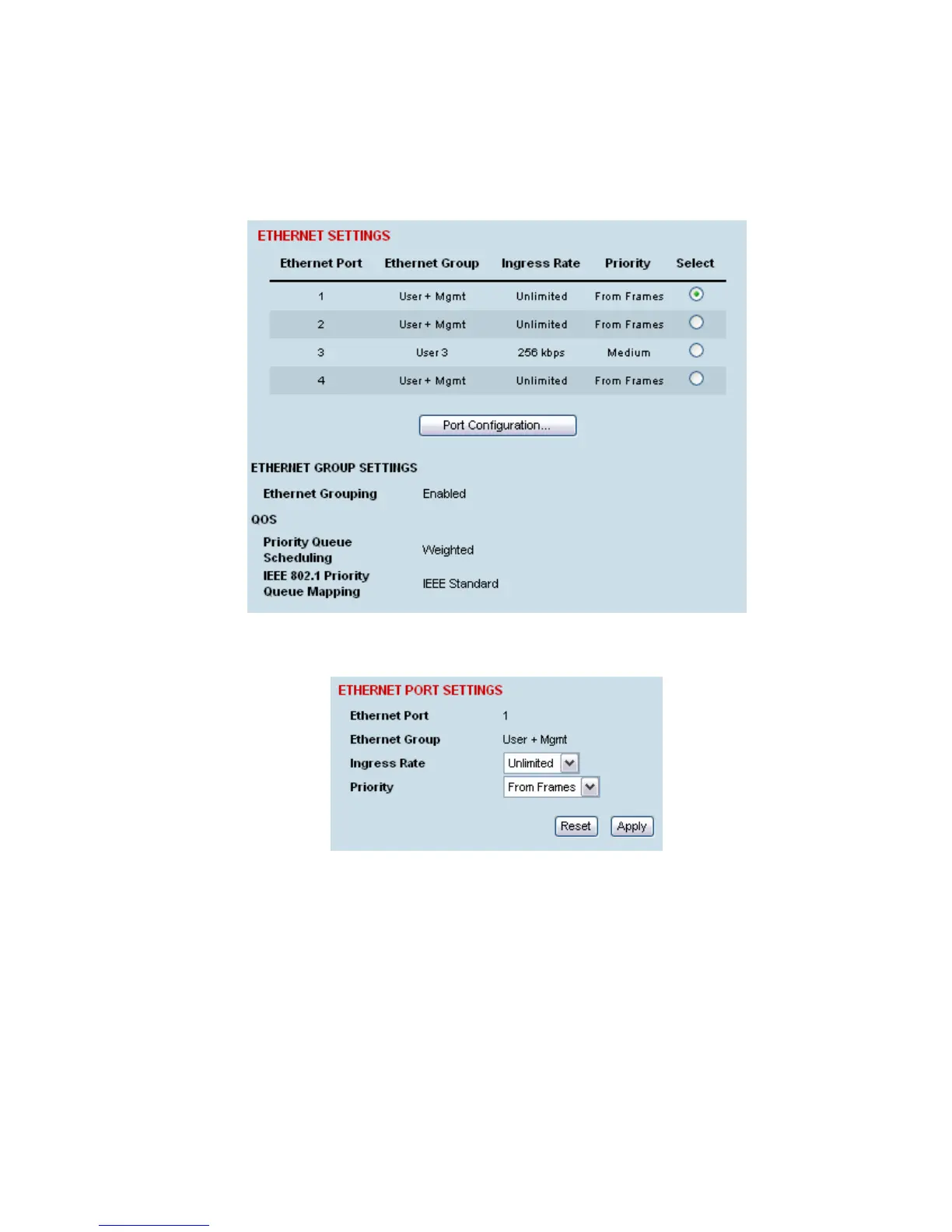
Each Ethernet port can be configured for Ingress Rates and Priority queues.
To configure the Ethernet ports for QoS:
1. Select Link or Local or Remote > Interface > Ethernet Settings.
2. Select the port you want to configure and click Port Configuration.



 To Next Page