105 SOUND PARAMETERS REFERENCE
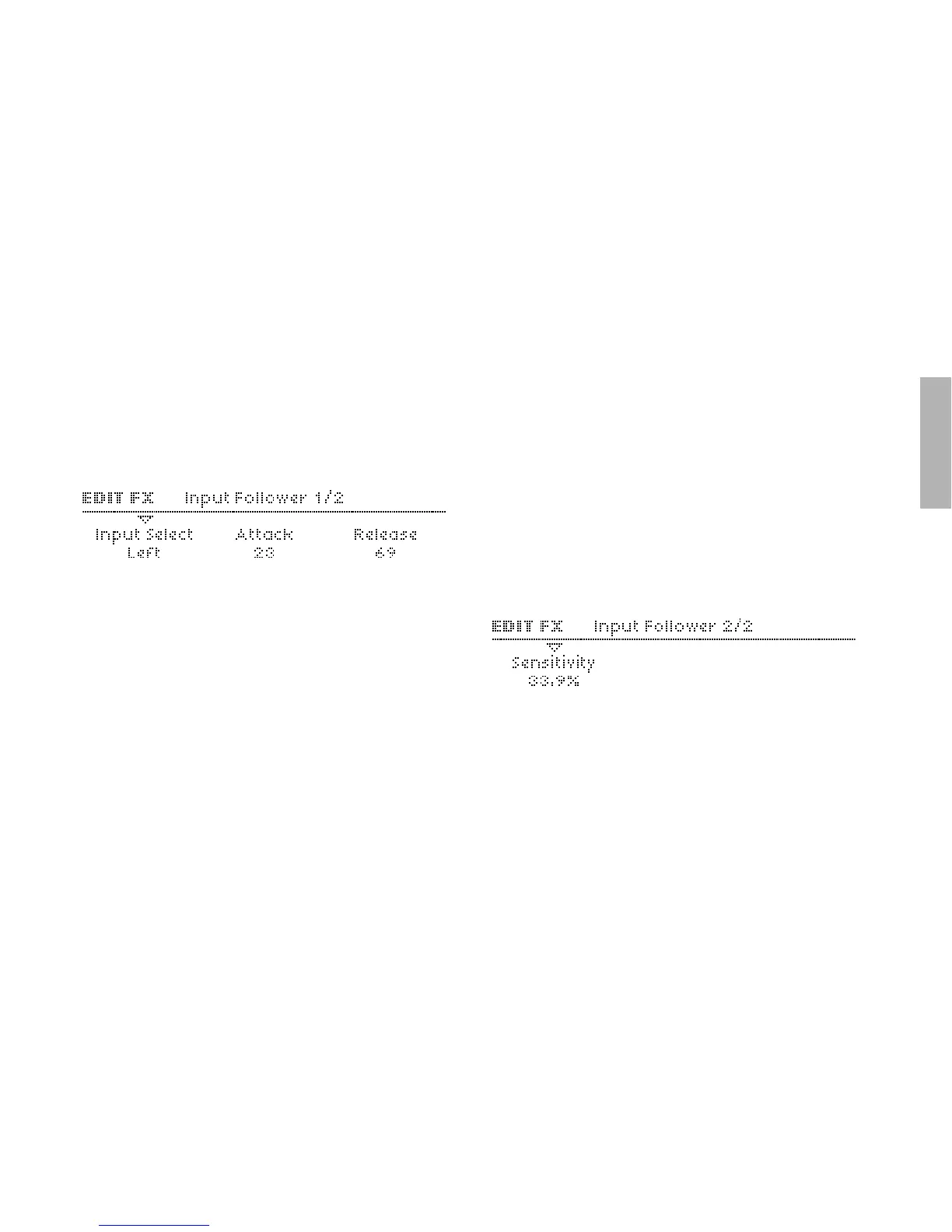
Input Follower
To enter these pages, press EDIT (in the lower EFFECTS sec-
tion) once or twice until the LED flashes, and navigate using the
PARAMETERS buttons.
A modulation signal is extracted from the level of the selected
input (see “Input Select” below) and replaces the filter envelope.
To hear any effect, turn up ENV AMOUNT and/or use
“Filter Envelope” as source in the Matrix.
Input Select
>Off: The Input follower is not used. The other parameters in
this page will not be visible.
> Left, L+R , Right: Signal source for the envelope follower.
Attack
> 0 to 127: Accessible from the panel via the filter ATTACK
knob. Reaction time to sudden peaks in the input signal level.
Used to regulate how smooth the resulting envelope will be.
Modulation destination “Filter Env Attack“.
Release
> 0 to 127: Accessible from the panel via the filter DECAY knob.
Reaction time to sudden drops in the input signal level. Used
to regulate how smooth the resulting envelope will be. Modu-
lation destination “Filter Env Decay“.
Sensitivity
> 0% to 100%: Accessible from the panel via the filter
SUSTAIN knob. Controls the sensitivity of the envelope fol-
lower to its input signal (note that this parameter does not
directly affect signal level). The standard value is 50%.
Modulation destination “Filter Env Sustain“.



 To Next Page