35 FIRST STEPS
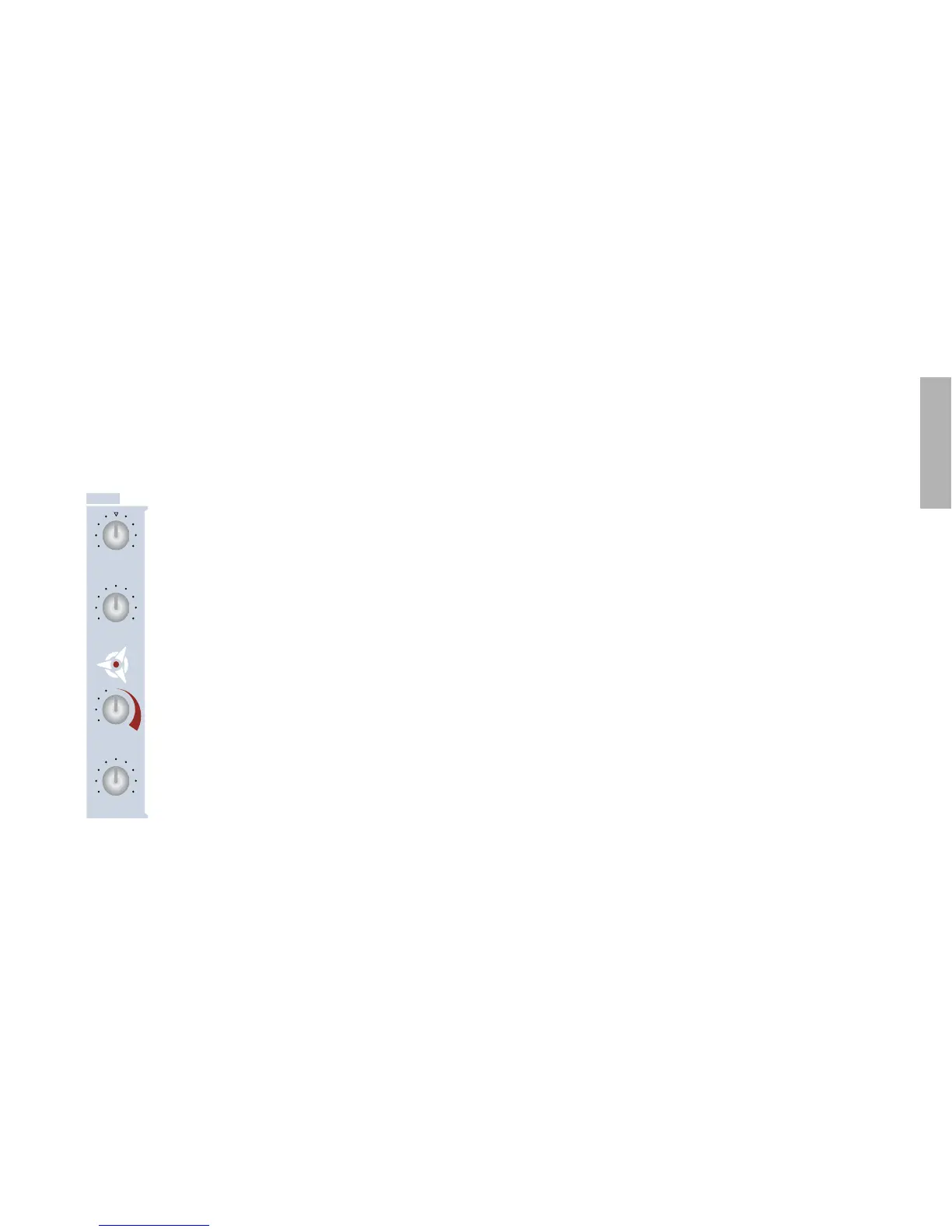
The Mix Section
Most of the knobs here are self-explanatory. They are volume
controls for the signal sources:
OSC BALANCE
This knob controls the relative mix of oscillators 1
and 2 while keeping the total level constant. The 12
o’clock position is a 50:50 mix of both these oscilla-
tors. Try this:
Restore ROM-A127. Play a note and turn SEMI-
TONE down to -5. Keep playing your keyboard
while turning OSC BALANCE slowly up to maxi-
mum. You can only hear oscillator 2 now. Turn up
FM AMOUNT and leave it at a medium level. Now
turn OSC BALANCE down again. You can only hear
oscillator 1. No oscillator 2 and – perhaps surpris-
ingly – no FM. That’s because FM is really part of
oscillator 2, remember?
SUB OSC VOLUME
The sub-oscillator is always an octave below oscillator 1 –
restore ROM-A127 and try turning it up. The sub-oscillator is
one of several sources whose level is ultimately controlled via
OSC VOLUME:
OSC VOLUME
This is a group level control for all the following sources: Oscilla-
tor 1, oscillator 2 (including FM), oscillator 3 and the sub-oscilla-
tor. Noise and Ring Modulator levels are independent of
OSC VOLUME – that’s why the knob for these parameters is
located below it. Here’s a short practical demonstration:
Restore ROM-A126 and change SEMITONE (oscillator 1) to -5.
Hold down a note on your keyboard and listen to what happens
as you turn up the following:
FM AMOUNT (in the OSCILLATORS section) = 20
SUB OSCILLATOR = 80
NOISE VOLUME = 80
RING MODULATOR (SHIFT + NOISE VOLUME) = 80
Now turn OSC VOLUME all the way down. Which sources can
you still hear, and why?
2).'-/$5,!4/2
3!452!4)/.490%
0!./2!-!
/3#6/,5-%
-)8
/3#"!,!.#%
35"/3#6/,5-%
./)3%6/,5-%
/3#6/,5-%



 To Next Page