160
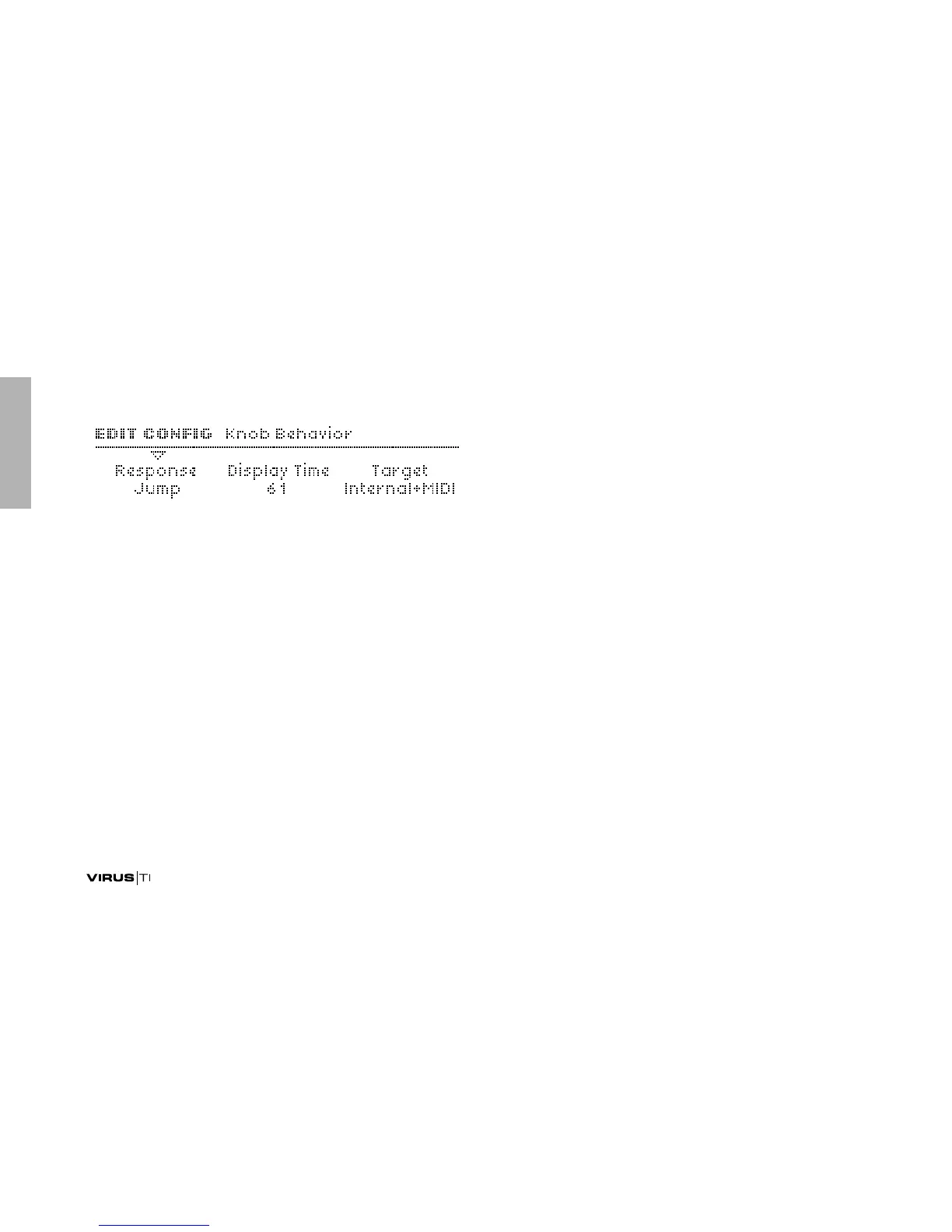
Knob Behaviour
Response
Determines when and how parameters react to knob move-
ments. Required because the position of knobs seldom
reflects the stored values after changing to another program.
The Snap and Rel modes are useful for preventing sudden
changes in the sound, especially during live performance.
>Off: Knobs have no effect whatsoever.
>Jump: The value jumps immediately to reflect the new knob
position.
>Snap: The value is not affected until the original is reached
by turning the knob.
>Rel: The value immediately changes in the direction of knob
movement (without jumping), but limits may not be reacha-
ble directly – knob positions only reflect values after the orig-
inal (stored) value has been reached.
Display Time
>Off: Knob values not be displayed.
> Off, 1 to 127: Knob values will be displayed for up to 7 sec-
onds.
Target
> Internal: Knobs control internal functions directly and do not
send MIDI.
> Internal+MIDI: Knob data is also sent to MIDI Out.
>MIDI: Knobs do not directly control internal functions, the
data is sent to MIDI Out only. This setting is similar to the
“Local Off” mode found in several other synthesizers.
Global Tuning
Master Tuning
> -64 to +63: Fine control over the pitch of the entire Virus,
from 50 cents lower to 50 cents higher. A “cent” is one hun-
dredth of a semitone.



 To Next Page