39 FIRST STEPS
The Matrix Section
This is where you can route just about any
control source to almost any parameter you
like – modulation wheel to vibrato, velocity to
panorama, filter envelope to phaser fre-
quency, a random offset to delay time etc..
The MATRIX is a playground for anyone who
wants to go beyond what the Virus already
has to offer in terms of realtime control. Six
sources can be routed to three different desti-
nations each, making a total of eighteen con-
nections. Let’s make a simple old-style
monophonic lead sound:
Restore ROM-A126. Turn CUTOFF down to 64, take ENV
AMOUNT up to 75 and set DETUNE 2/3 to 64 for a bit more
“thickness” than before. To make the program monophonic with
a typical “legato” portamento, press EDIT in the OSCILLATORS
section twice (!) and locate the first Common page (via the
PARAMETERS buttons). Change Key Mode to Mono 4, navigate
to the next page and set Portamento to 32. Play your keyboard
and listen what you’ve managed so far.
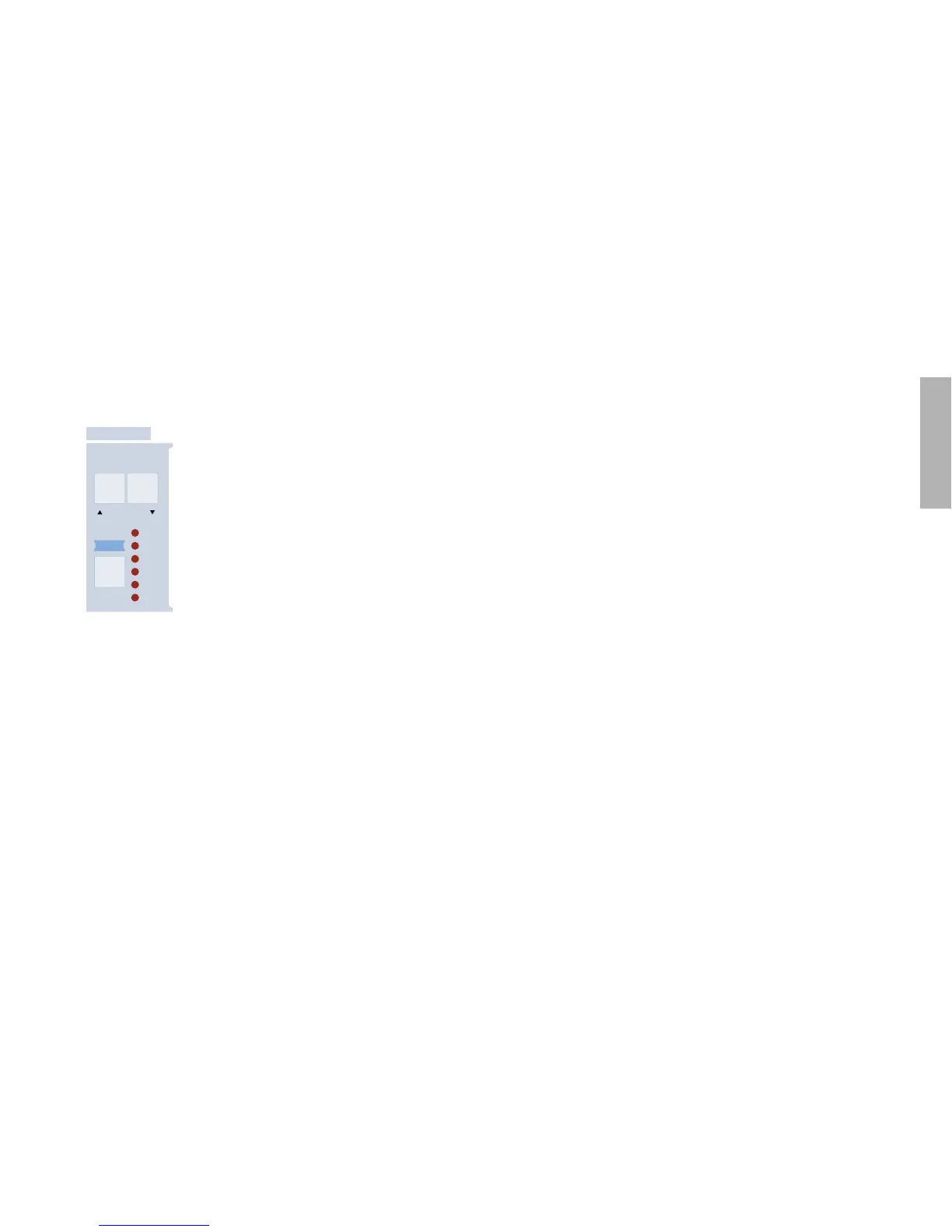
Now to the MATRIX. In ROM-A126, the uppermost LED should
already be lit – meaning Slot 1 has already been used for some-
thing in this program. Press the SELECT button in the MATRIX
section to open Slot 1 and see what it is. The modulation source
has been set to “Mod Wheel” and the destination is LFO3
Assign Amt i.e. the wheel will control the amount of whatever
LFO3 has been assigned to.
Try out the left-hand controls on your keyboard. Pushing the
mod wheel (or stick) away from you adds vibrato to the entire
sound because LFO3 has been set to modulate the pitch of all
oscillators – press the LFO3 SELECT button (in the MODULA-
TORS section) twice in succession to check this. Go back into
the MATRIX by pressing its SELECT button.
Press the righthand DESTINATIONS button, change the amount
to +5 and the destination to “LFO3 Rate” using the VALUE
knobs. Remember that you can nudge values using the VALUE
buttons!
Exit the menu and play your keyboard, making use of its mod
wheel (stick, ribbon or whatever). Vibrato will now get slightly
faster as it deepens...
If your keyboard also features channel pressure (i.e. aftertouch),
you could try this: Press SELECT twice in succession to open
Slot 2, set the source to “Chan Pressure”, the first amount
to +32 and its destination to “Filter1 Cutoff”. Exit the menu
again and play your keyboard again – try pressing harder on the
keys this time.
-!42)8
-/$
3%,%#4
3,/4
3,/4
3,/4
3,/4
3,/4
3,/4
$%34).!4)/.



 To Next Page