143 SOUND PARAMETERS REFERENCE
Env Polarity
> Positive, Negative: The effect of Env Amount on filter 1 can
be inverted by setting this parameter to Negative.
Filter-2
Cutoff
Accessible from the panel via CUTOFF 2.
> 0 to 127 or -64 to +63: Filter 2 threshold frequency. If Cutoff
Link (see “Cutoff Link” on page 145) is active, filter 2 cutoff
becomes a bipolar offset to filter 1 instead of an absolute
value. Modulation destination “Filter2 Cutoff”.
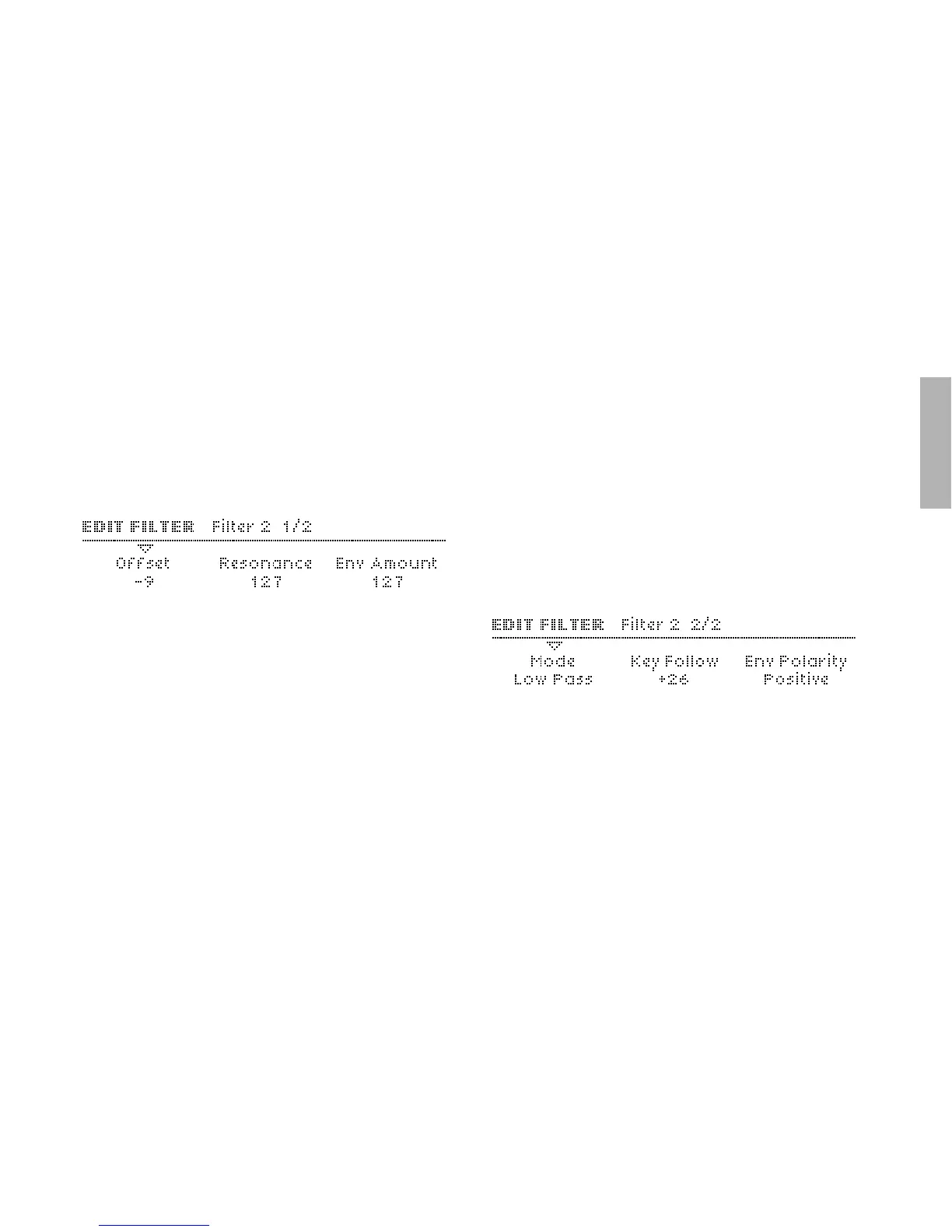
Resonance
Accessible from the panel via RESONANCE if filter 2 is selected.
> 0 to 127: Accentuation of the filter 2 Cutoff frequency. The
actual effect of resonance depends on the selected Mode
(see below). Modulation destination “Filter2 Resonance”.
Env Amount
Accessible from the panel via ENV AMOUNT when filter 2 is
selected.
> 0 to 127: Filter 2 envelope amount i.e. the amount of filter
envelope applied to its cutoff. Note that this can be inverted
by changing the polarity (see “Env Polarity” on page 144).
Modulation destination “Filter2 Env Amount”.
Mode
Accessible from the panel via the FILT2 button.
> Low Pass: LP. Allows frequencies below the cutoff point to
pass through i.e rejects those above the cutoff point



 To Next Page